How do I connect two monitors to a MacBook Air?
It depends on the chip. An M1 or M2 MacBook Air supports one external display, so a second one needs a DisplayLink dock. An M3 Air drives two with the lid closed, and an M4 or M5 Air drives two with the lid open, through a dock with two display outputs.
A cheap hub with two HDMI ports won't do it on any Mac: those hubs split one video signal with MST, which macOS doesn't support, so both screens show the same picture.
Which chip does your MacBook Air have?
Not sure? Apple menu → About This Mac shows the chip.
An M4 MacBook Air drives two external displays with the lid open. A dock with two display outputs does it without extra software; a DisplayLink dock works too.
No driver needed (55)
Use the Air's own display support.
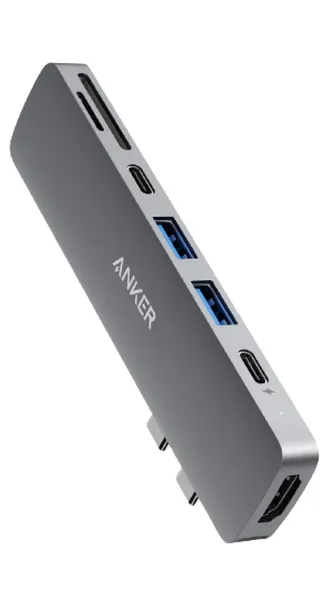 Anker 547 for MacBook
1 display on base M1–M3, 2 on M1–M3 Pro/Max and M4/M4 Pro/Max
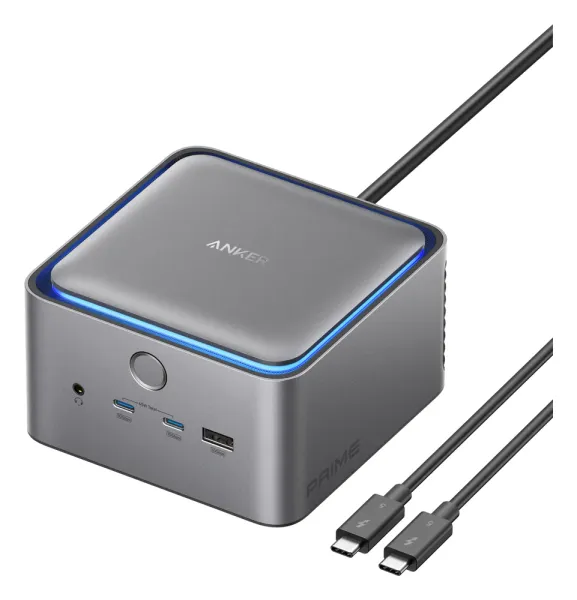 Anker Prime TB5 Docking Station
1 display on base M1–M3, 2 on M1–M3 Pro/Max, M4 and M5
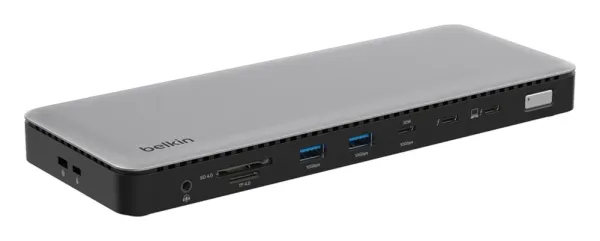 Belkin Connect Thunderbolt 4 Dock
1 display on base M1–M3, 2 on M4, M5 and M1–M4 Pro/Max
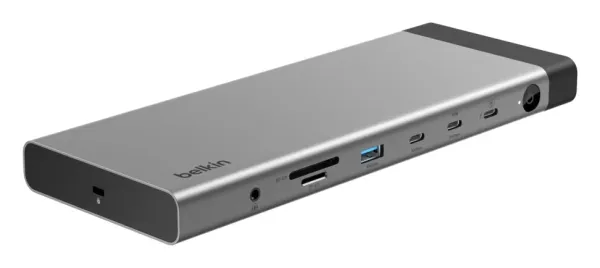 Belkin Connect Thunderbolt 5 Dock
1 display on base M1–M3, 2 on base M4/M5 and M1–M4 Pro/Max, 3 on M5 Pro/Max
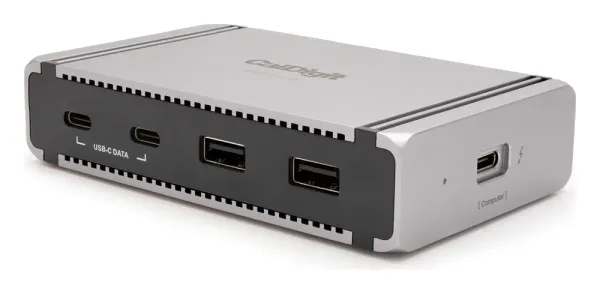 CalDigit Element 5 Hub
1 display on base M1–M3, 2 on base M4/M5/M6 and M1–M4 Pro/Max/Ultra, 3 on M5 Pro, 4 on M5 Max (fourth must be a daisy-chained Thunderbolt monitor)
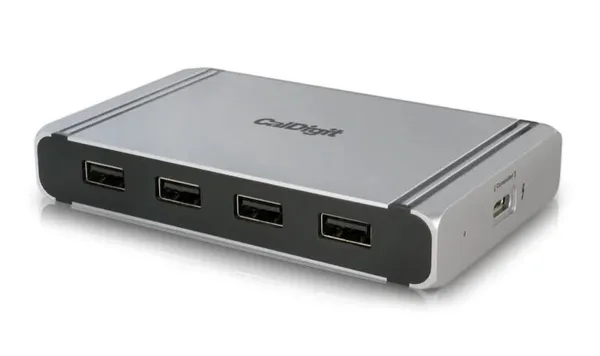 CalDigit Element Hub
1 display on base M1/M2, 2 on base M4, M1–M4 Pro/Max and M1/M2 Ultra; base M3 not listed
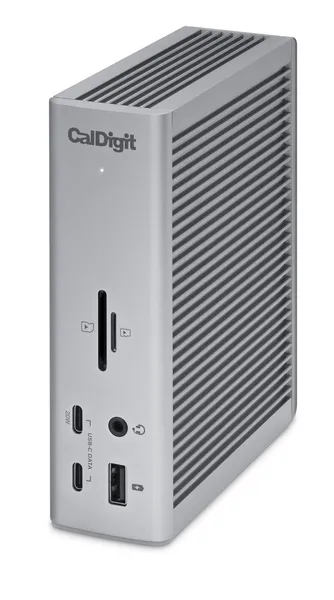 CalDigit TS4 Dock
1 display on base M1–M3, 2 on base M4/M5, M1–M5 Pro/Max, M1–M3 Ultra and Intel Macs; M3 MacBook Air 2 with lid closed
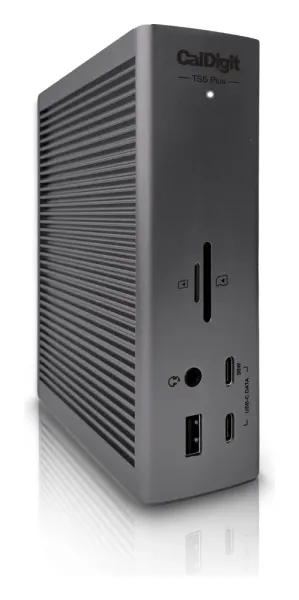 CalDigit TS5 Plus
1 display on base M1–M3, 2 on base M4/M5/M6 and M1–M4 Pro/Max/Ultra, 3 on M5 Pro, 4 on M5 Max (fourth must be a daisy-chained Thunderbolt monitor)
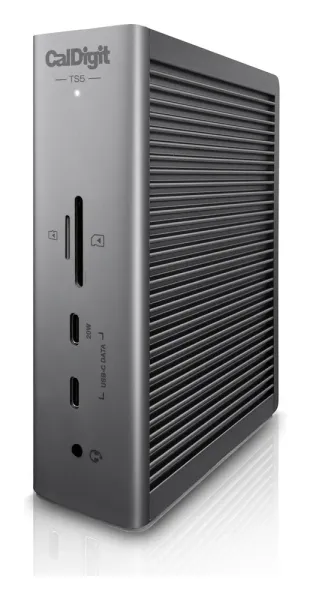 CalDigit TS5
1 display on base M1–M3, 2 on base M4/M5 and M1–M4 Pro/Max/Ultra, 3 on M5 Pro, 4 on M5 Max
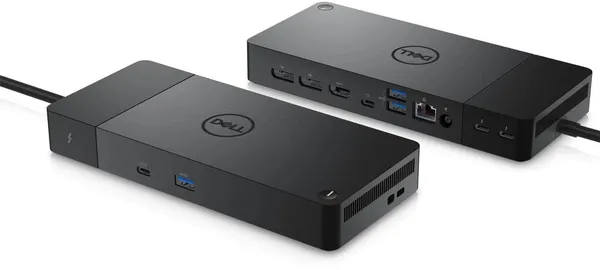 Dell Thunderbolt Dock
1 display on base M1/M2, up to 2 at 4K 60Hz (or 1 at 5K 60Hz) on other Thunderbolt Macs; second display must use a dock Thunderbolt port, two on DP/HDMI/USB-C mirror
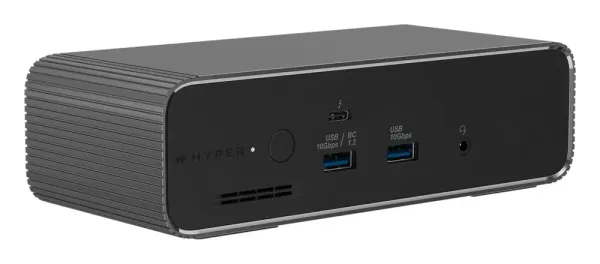 HyperDrive Next Thunderbolt 5 Dock
1 display on MacBook Air M1/M2, 2 on M1–M3 Pro/Max, M4, base M5 and MacBook Air M3 (lid closed), 3 on M5 Pro/Max
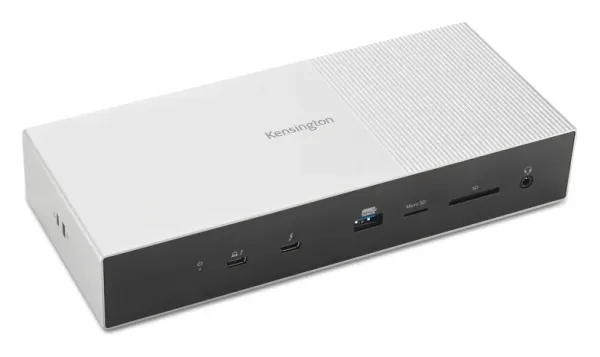
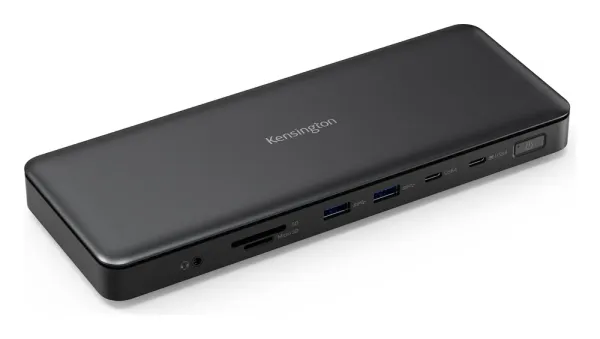 Kensington SD4902U4
1 display on base M1/M2 and MacBook Neo, 2 on base M3 (lid closed), base M4/M5 and M1–M5 Pro/Max
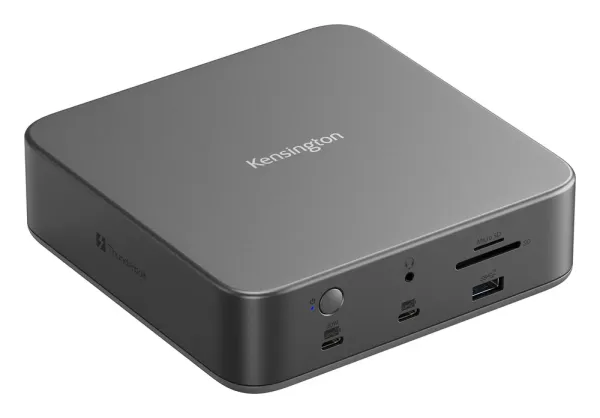
 Kensington SD5000T5
1 display on base M1/M2, 2 on base M3 (lid closed), base M4/M5 and M1–M4 Pro/Max, 3 on M5 Pro/Max
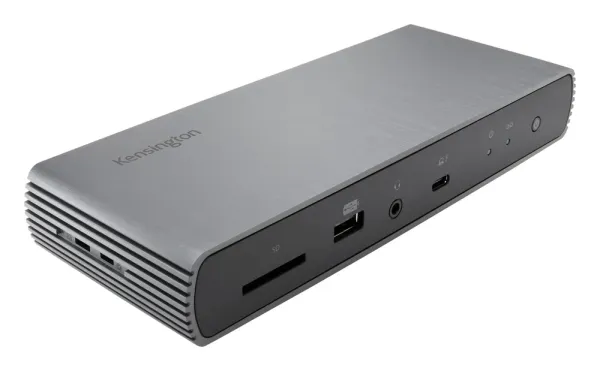
 Kensington SD5010T5
1 display on base M1/M2 and MacBook Neo, 2 on base M3 (lid closed), base M4/M5 and M1–M4 Pro/Max, 3 on M5 Pro/Max
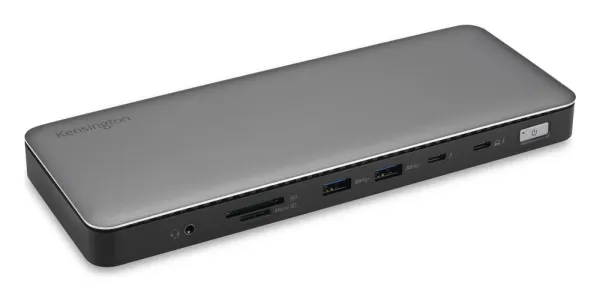
 Kensington SD5700T
1 display on base M1/M2, 2 on base M3 (lid closed, macOS 14.3+), base M4/M5 and M1–M5 Pro/Max
 Kensington SD5760T
1 display on base M1/M2, 2 on base M3 (lid closed), base M4/M5 and M1–M5 Pro/Max
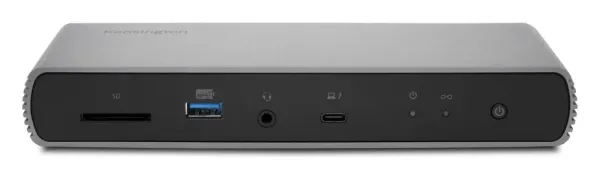 Kensington SD5780T
1 display on base M1/M2, 2 on base M3 (lid closed), base M4/M5 and M1–M5 Pro/Max
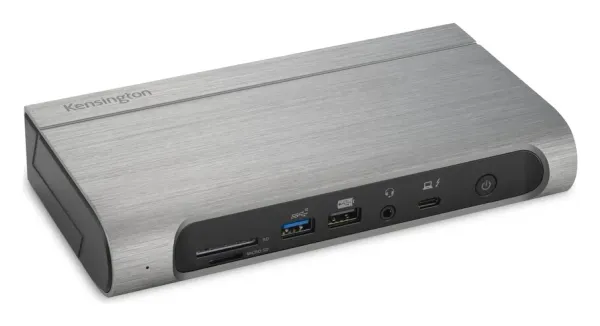 Kensington SD5800T
1 display on base M1–M3, 2 on base M4/M5 and M1–M4 Pro/Max
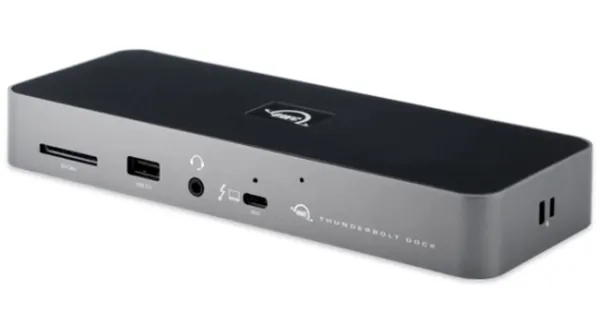 OWC 11-Port Thunderbolt Dock
1 display on base M1/M2 MacBooks, 2 on base M3 MacBooks with lid closed, base M4/M5 and M1–M5 Pro/Max
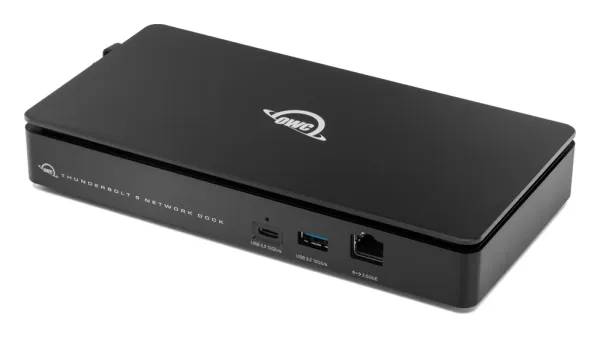 OWC Thunderbolt 5 Dual 10GbE Network Dock
1 display on base M1/M2, 2 on base M3–M5 and M1–M5 Pro/Max/Ultra (base M3 laptops need the lid closed for 2)
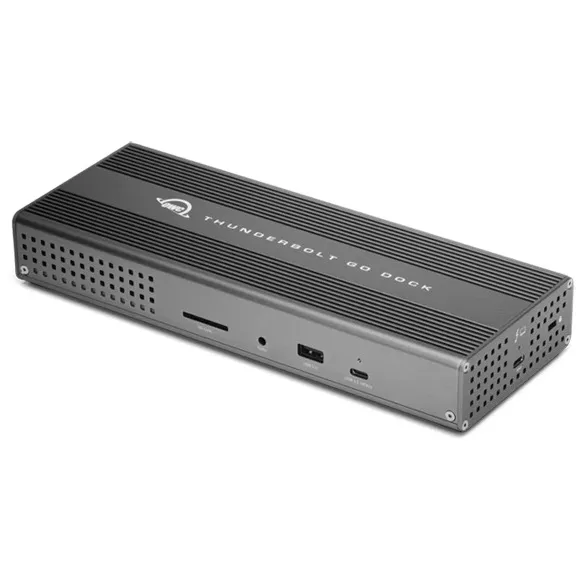 OWC Thunderbolt Go Dock
1 display on base M1/M2 MacBooks, 2 on base M3 MacBooks with lid closed, base M4/M5 and M1–M5 Pro/Max
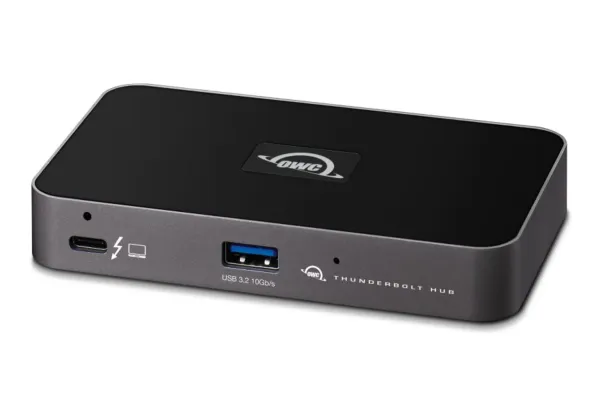 OWC Thunderbolt Hub
1 display on base M1/M2 MacBooks, 2 on base M3 MacBooks with lid closed, base M4/M5 and M1–M5 Pro/Max
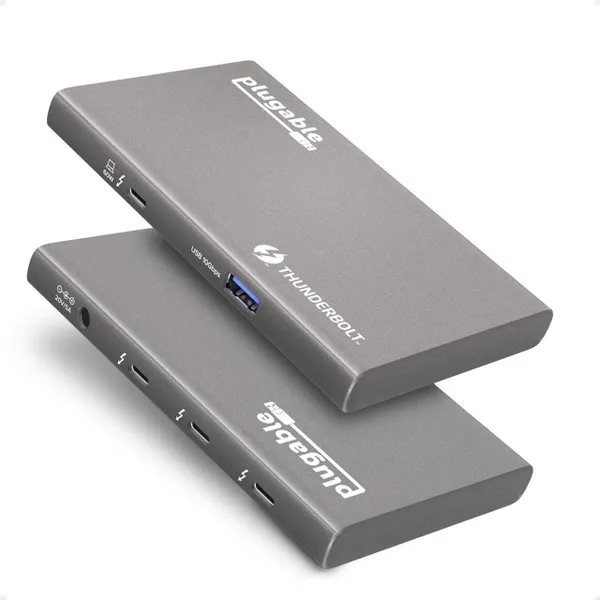 Plugable 5-in-1 Thunderbolt 4 Hub
1 display on base M1/M2, 2 on base M3 with lid closed, base M4/M5, M1–M3 Pro/Max and Intel Macs; up to 6K 60Hz
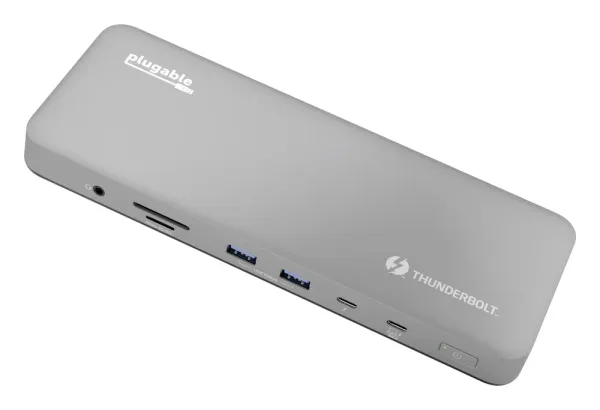
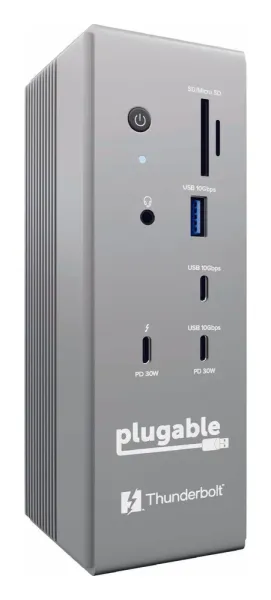 Plugable TBT-UDH2
1 display on base M1/M2, 1 on base M3 (2 with lid closed), 2 on base M4/M5 and M1–M5 Pro/Max
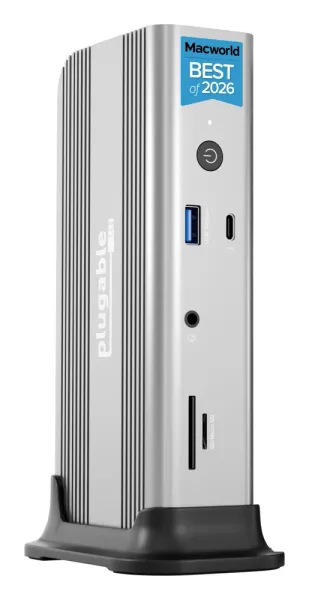
 Plugable TBT-UDM
1 display on base M1/M2, 1 on base M3 (2 with lid closed), 2 on base M4/M5 and M1–M5 Pro/Max
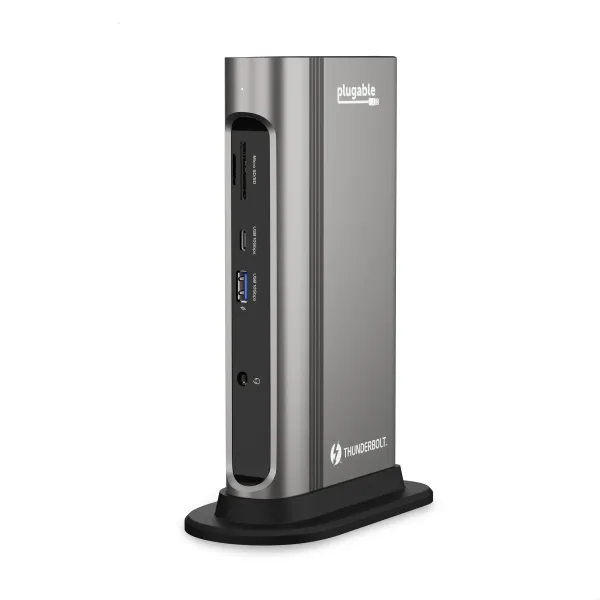
 Plugable TBT-UDT3
1 display on base M1/M2, 1 on base M3 (2 with lid closed), 2 on base M4/M5 and M1–M4 Pro/Max, 3 on M5 Pro/Max
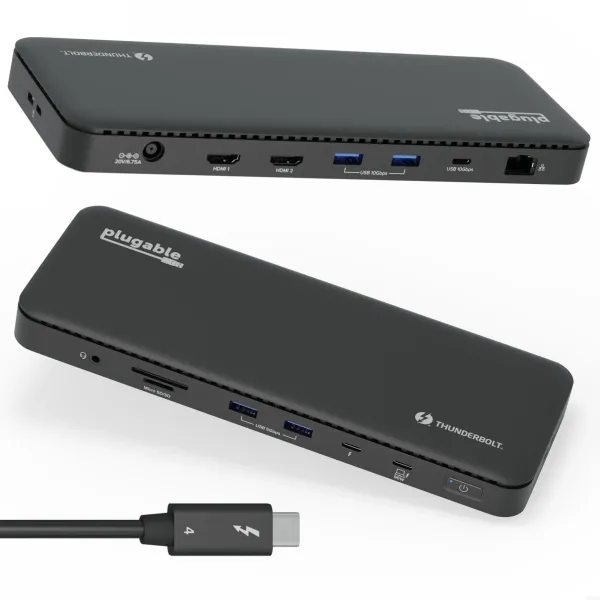
 Plugable Thunderbolt 3 Docking Station
1 display on base M1/M2, 2 on base M3 with lid closed, base M4 and M1–M4 Pro/Max
 Plugable Thunderbolt 4 Dock 2 Monitors
1 display on base M1/M2, 2 on base M3 with lid closed, base M4/M5 and M1–M5 Pro/Max
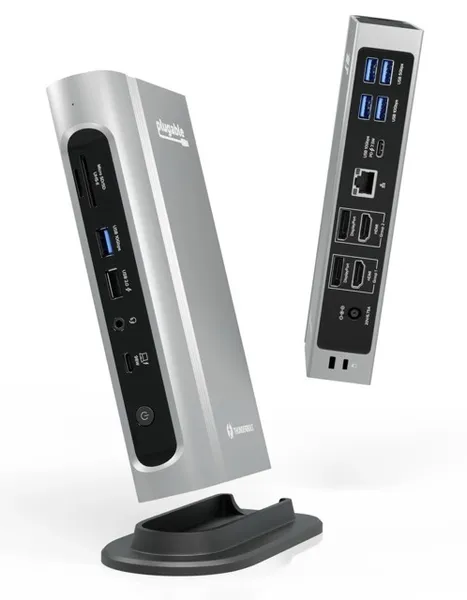 Plugable Thunderbolt 4 Dock 4 Monitors
1 display on base M1/M2, 2 on base M3 with lid closed, base M4/M5, M1–M5 Pro/Max and Intel Macs
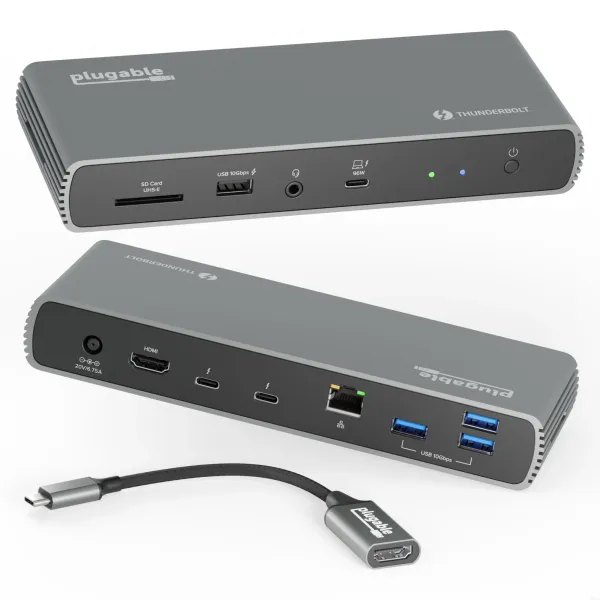 Plugable Thunderbolt 4 HDMI Dock
1 display on base M1/M2, 2 on base M3 with lid closed, base M4/M5 and M1–M5 Pro/Max
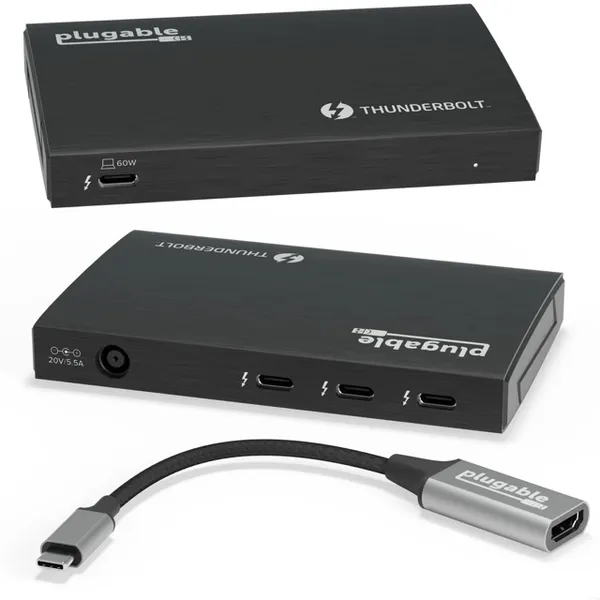 Plugable Thunderbolt 4 Hub
1 display on base M1/M2, 2 on base M3 with lid closed, base M4/M5, Pro/Max and Intel Thunderbolt 3 Macs; or 1 up to 6K on Apple silicon
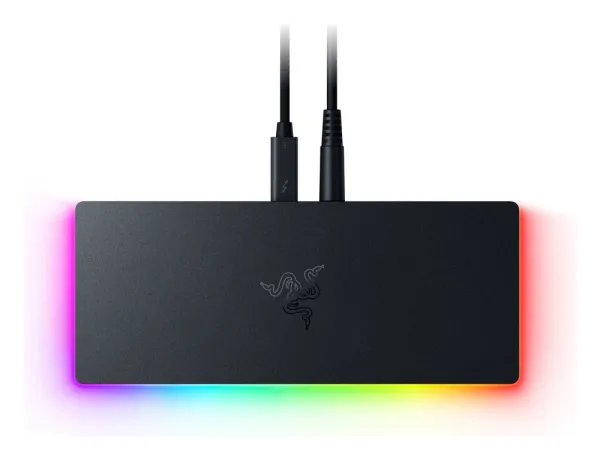 Razer Thunderbolt 5 Dock Chroma
up to 2 displays; 1 on M1 MacBooks
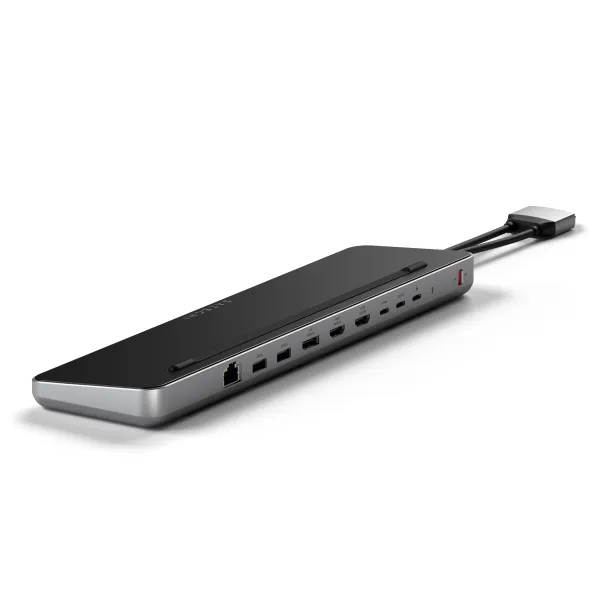 Satechi Dual Dock Stand
1 display on base M1/M2, 2 on base M3 only with the lid closed, 2 on other Macs
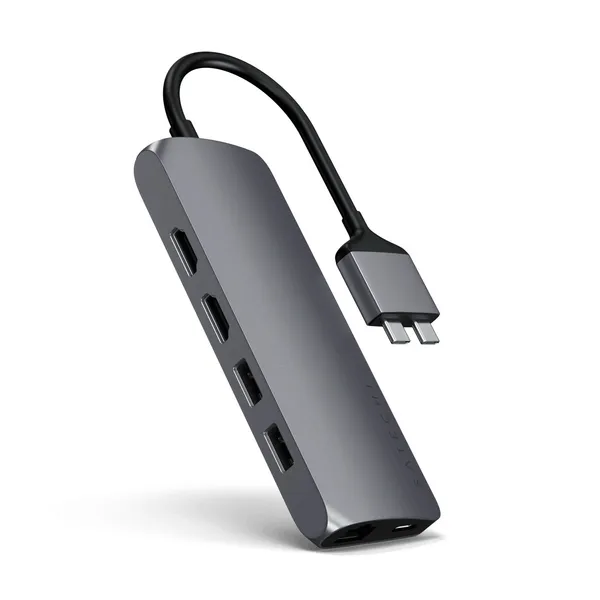 Satechi Dual Multimedia Adapter
1 display on base M1/M2, 2 on base M3 only with the lid closed, 2 on other supported MacBooks
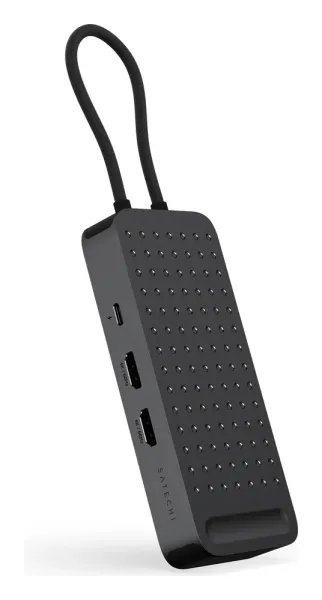 Satechi ExtendView USB4 Dual HDMI Multiport Adapter
1 display on base M1/M2 and MacBook Neo, 2 on base M3 (MacBook lid closed), base M4–M6 and Pro/Max/Ultra chips
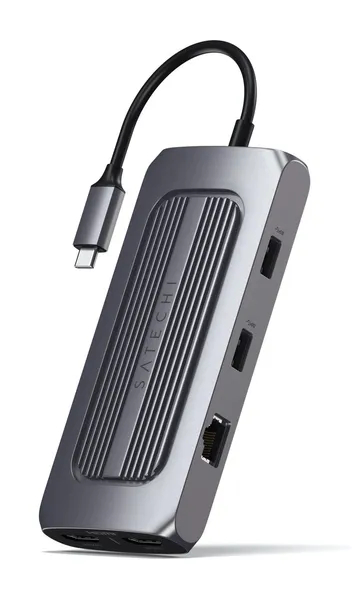 Satechi Multiport MX Adapter
2 displays (one 4K 60Hz, one 4K 30Hz) only with the SiliconMotion InstantView app, including base M1–M4; 1 without it
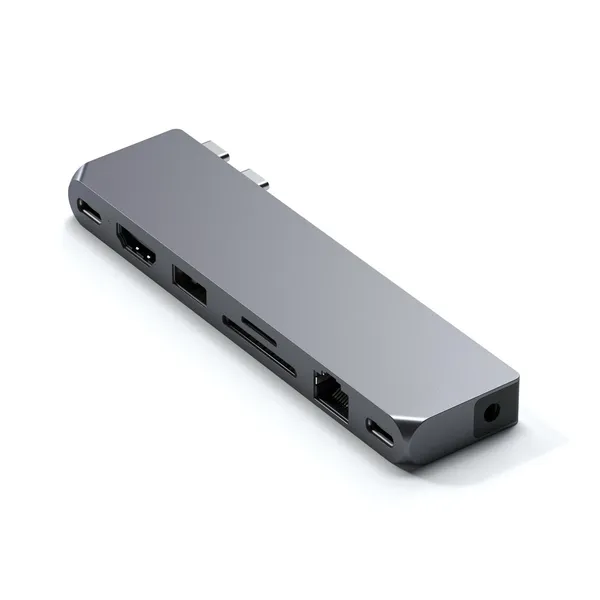 Satechi Pro Hub Max
1 display on base M1/M2, 2 on base M3 only with the lid closed, 2 on other Macs
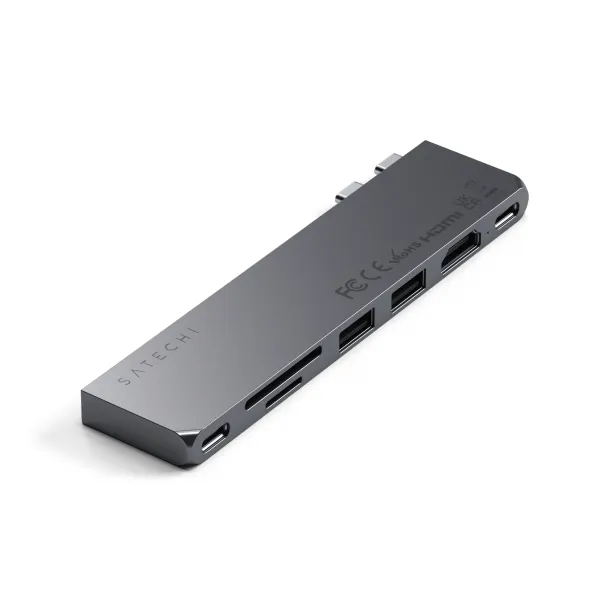 Satechi Pro Hub Slim
1 display on M1/M2, 2 on M3 only with the lid closed, 2 on other Macs
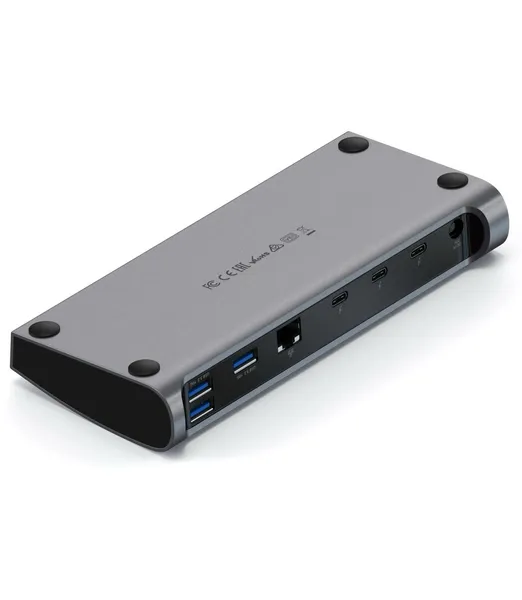 Satechi Thunderbolt 4 Dock
1 display on base M1/M2, 2 on base M3 only with the lid closed, 2 on base M4/M5 and Pro/Max/Ultra
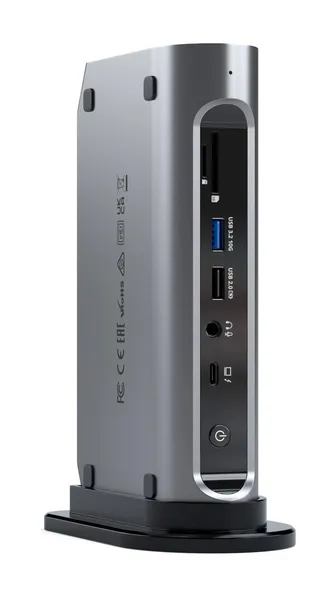 Satechi Thunderbolt 4 Multimedia Pro Dock
2 extended displays, the other 2 outputs mirror; base M3 only with the lid closed; 1 on base M1/M2 (a second screen mirrors it) and MacBook Neo
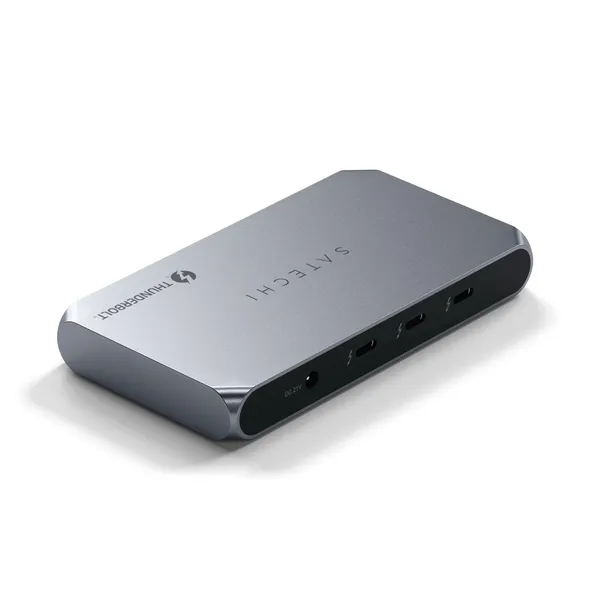 Satechi Thunderbolt 4 Slim Hub Pro
2 displays up to 4K 60Hz or 1 up to 6K, no 8K; 1 on base M1/M2 and MacBook Neo; 2 on base M3 only with the lid closed
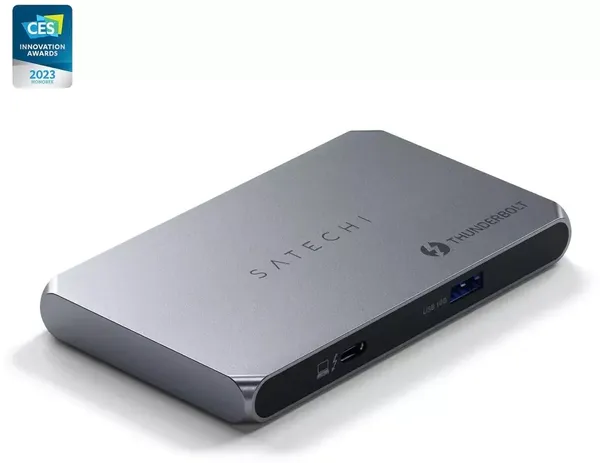 Satechi Thunderbolt 4 Slim Hub
2 displays up to 4K 60Hz or 1 up to 6K; 1 on base M1/M2 and MacBook Neo; 2 on base M3 only with the lid closed
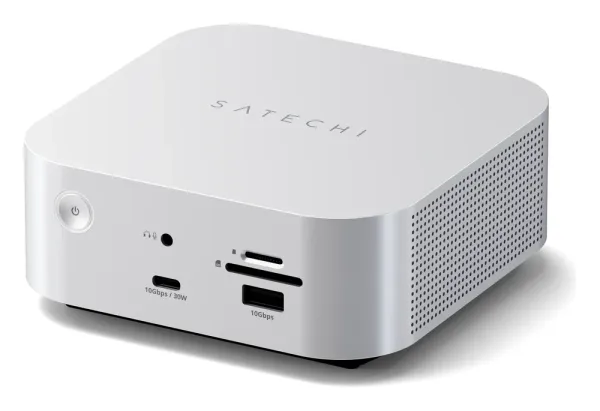 Satechi Thunderbolt 5 CubeDock
1 display on base M1/M2, 2 on base M3 (lid closed), base M4/M5 and all Pro/Max/Ultra
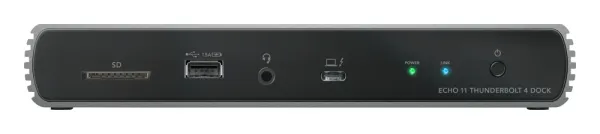 Sonnet Echo 11 Thunderbolt 4 Dock
1 display on base M1–M3 (2 on base M3 laptops with lid closed), 2 on base M4/M5/M6, M1–M5 Pro/Max/Ultra and Intel Macs
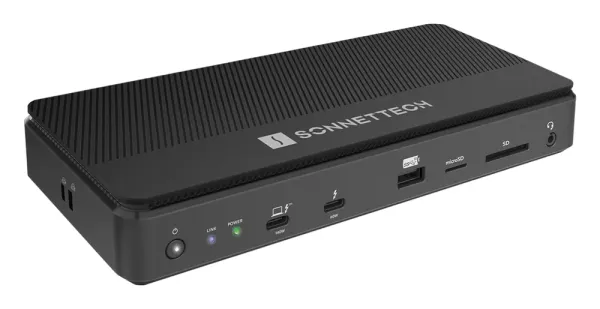 Sonnet Echo 13 Thunderbolt 5 SSD Dock
1 display on base M1–M3 (2 on base M3 laptops with lid closed), 2 on base M4/M5/M6, M1–M3 Pro/Max/Ultra, M4 Pro and Intel Macs, 3 on M4 Max and M5 Pro, 4 on M5 Max/Ultra (fourth must be daisy-chained)
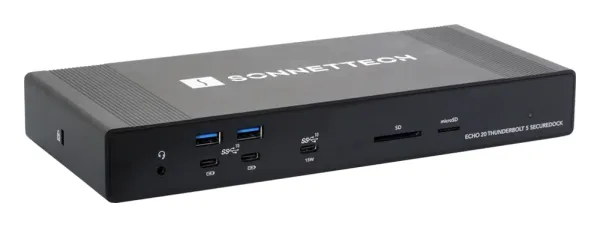 Sonnet Echo 20 SecureDock
1 display on base M1–M3, 2 on base M4–M6, M1–M3 Pro/Max/Ultra, M4 Pro and Intel Macs, 3 on M4 Max and M5 Pro, 4 on M5 Max/Ultra (one display must be daisy-chained)
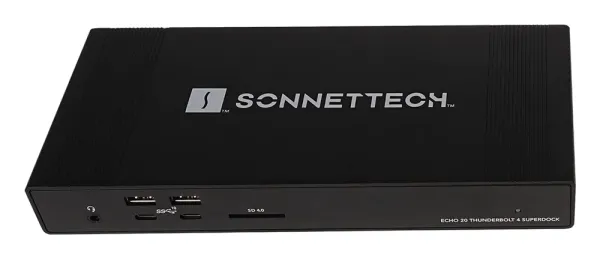 Sonnet Echo 20 Thunderbolt 4 SuperDock
1 display on base M1–M3 (2 on base M3 laptops with lid closed), 2 on base M4/M5/M6, M1–M5 Pro/Max/Ultra and Intel Macs
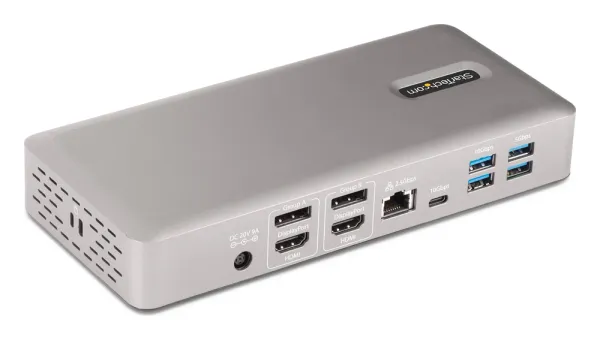 StarTech.com 132N-TB4USB4DOCK
1 display on base M1/M2, 2 on base M3 (lid closed), M4, M5 and M1/M2 Pro/Max
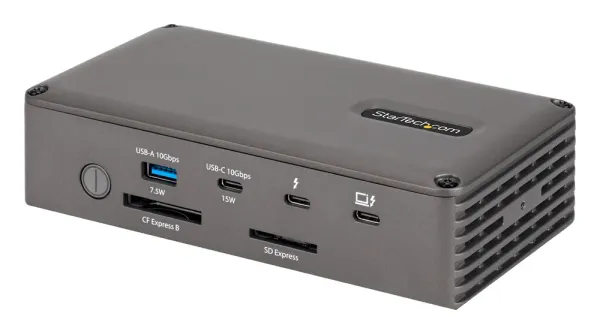 StarTech.com 183N-TB5USB4DOCK
1 display on base M1–M3, 2 on base M4/M5 and M1–M4 Pro/Max, 3 on M5 Pro/Max, 4 on M5 Max (4th via a daisy-chained Thunderbolt monitor)
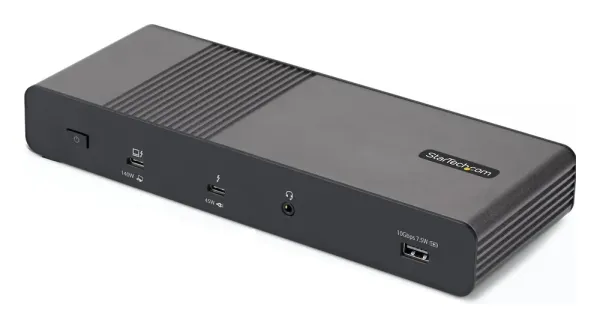 StarTech.com 206N-TB5USB4DOCK
1 display on base M1–M3, 2 on base M4/M5 and M1–M4 Pro/Max, 3 on M5 Pro, 4 on M5 Max (with 2 daisy-chained Thunderbolt monitors)
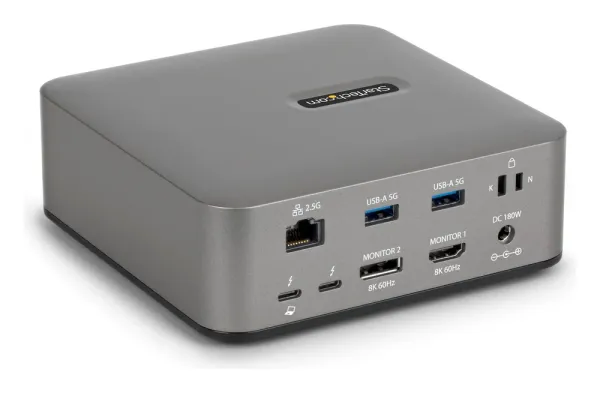 StarTech.com 215N-TB5USB4DOCK
1 display on base M1–M3, 2 on base M4/M5 and M1–M4 Pro/Max, 3 on M5 Pro, 4 on M5 Max (with 2 daisy-chained Thunderbolt monitors)
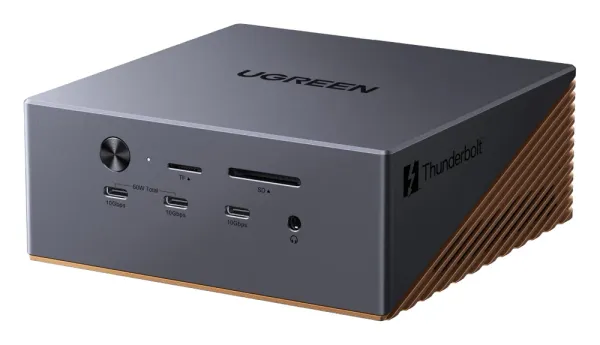 Ugreen Maxidok 17-in-1
1 display on base M1–M3, 2 on M1–M3 Pro/Max, all M4 and base M5, 3 on M5 Pro/Max
 Ugreen Revodok Max 2131
1 display on base M1–M3, 2 on M1–M3 Pro/Max, all M4 and base M5, 3 on M5 Pro/Max
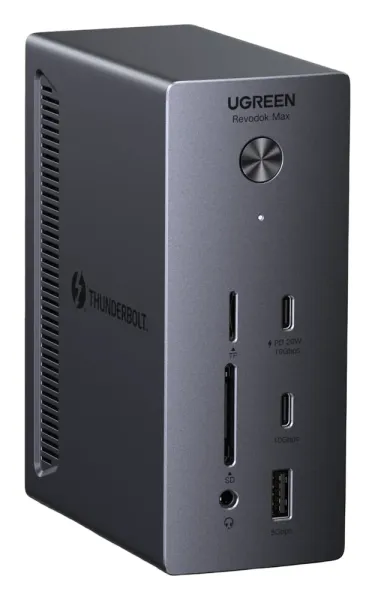 Ugreen Revodok Max 75237F
1 display on base M1–M3 and Intel Thunderbolt 3 Macs, 2 on base M4 and M1–M4 Pro/Max/Ultra
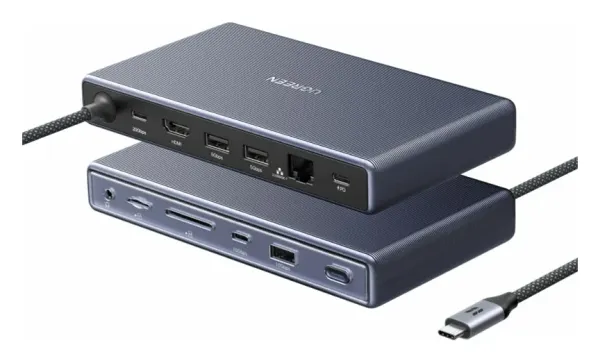 Ugreen U500
1 display on base M1–M3, 2 on base M4/M5 and M1–M5 Pro/Max
DisplayLink docks (11)
Work on every Apple silicon MacBook Air, with the lid open. They need the free DisplayLink Manager app, and protected video, such as some streaming services, may not play on the DisplayLink screens.
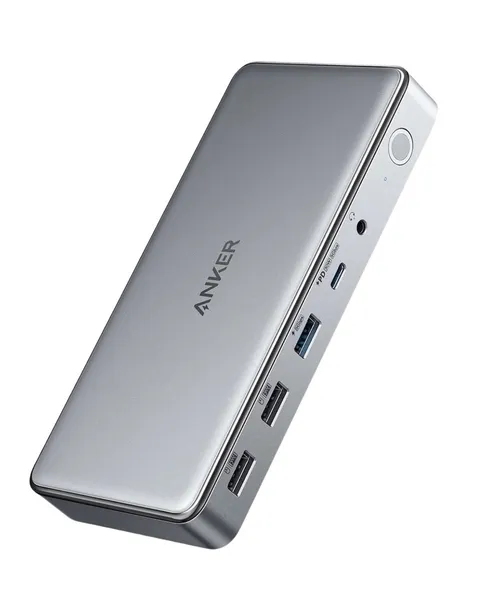 Anker 563
3 displays with different content, including on base M1 and M2 MacBooks; 2 of them via DisplayLink
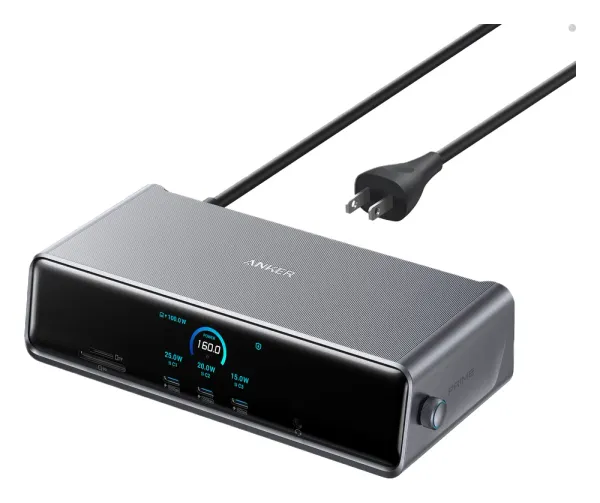 Anker Prime DL7400 Docking Station
3 extended displays on M1–M5 Macs, macOS 13.5 or later
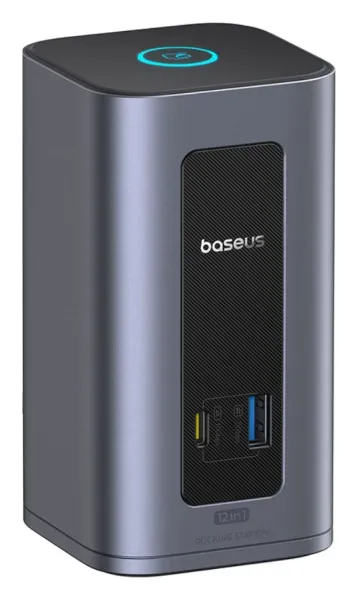 Baseus Nomos NU1 Air Mac
2 extended displays, including base M1–M3 chips
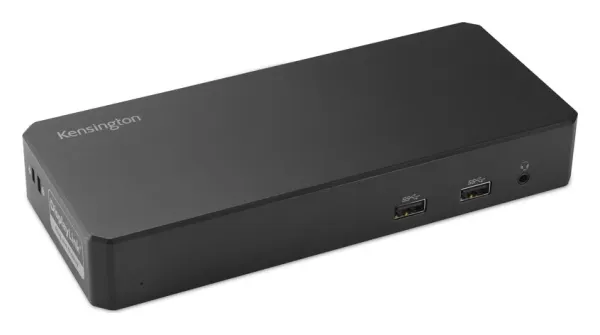 Kensington SD4760P
3 displays on M1, M2, M3 and M4 MacBooks
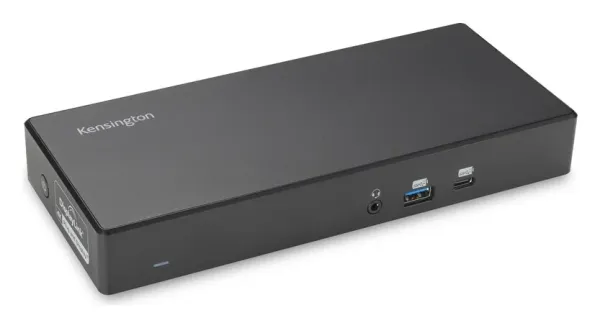 Kensington SD4781P
2 displays, including base M1/M2/M3
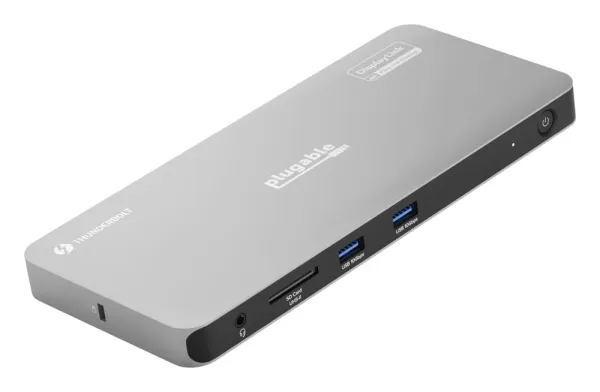 Plugable TBT-6950PD
3 displays on base M1/M2/M3 (base M3: 4 with lid closed), 4 on base M4/M5 and M1–M5 Pro/Max
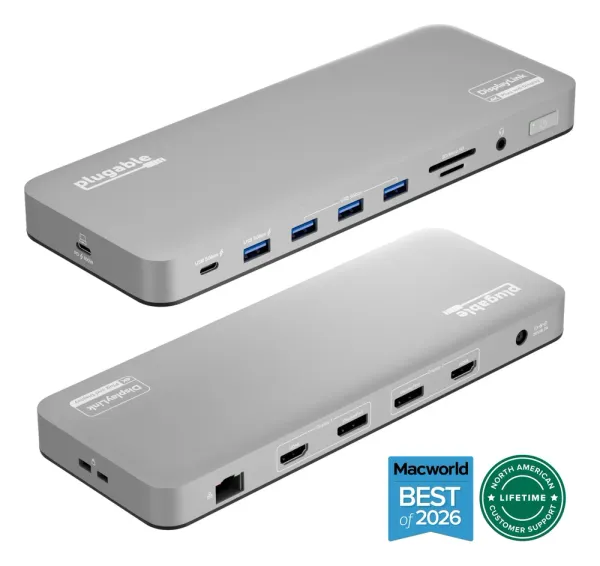 Plugable UD-6950PDH
2 displays at 4K 60Hz on M1–M5 (base, Pro and Max), MacBook Neo and Intel Thunderbolt 3 MacBooks
 Plugable UD-ULTC4K
3 displays on M1–M4, including base M1–M3
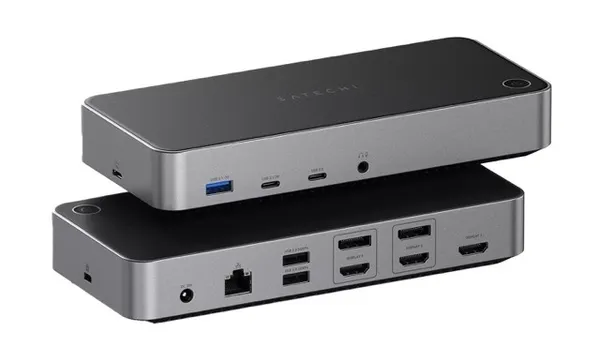 Satechi Triple 4K Dock
3 displays up to 4K 60Hz with DisplayLink Manager on macOS 11 or later, including base M1/M2
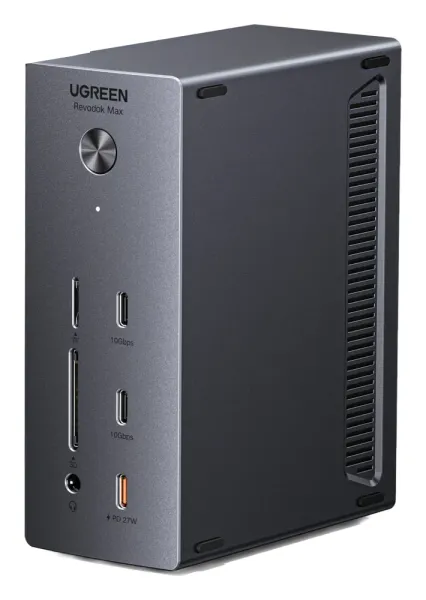 Ugreen Revodok Max 65855F
4 extended displays with the DisplayLink driver
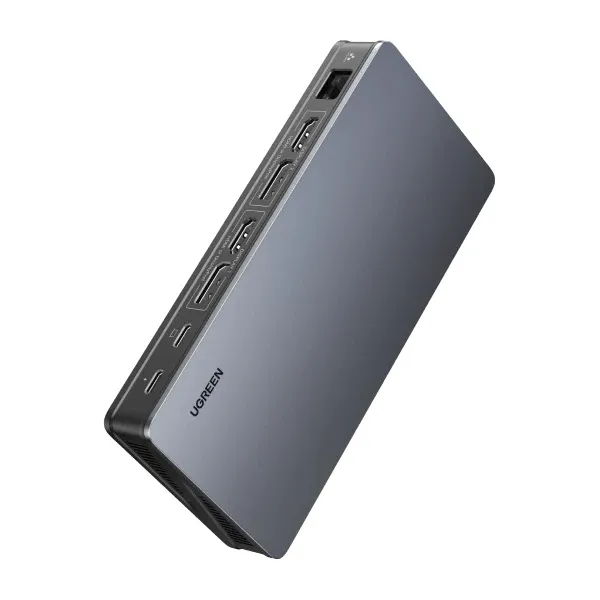 Ugreen Revodok Pro 209
2 extended displays up to 4K 60Hz with the DisplayLink driver
Only docks whose Mac display support we have checked are listed. Missing one? Browse all hubs.