Dell Thunderbolt Dock
11 Ports
| Specs | |
|---|---|
| Connects with | Thunderbolt 4 |
| Cable to your device | 80 cm, built in |
| Charges your device | 90W |
| Power | Own power adapterComes with a 180W power supply |
| Monitors | Up to 4 (2 on a Mac) |
| Fastest port | 40Gbps |
| SSD slot | — |
| SD card speed | — |
| Size | 20.5 × 9 × 2.9 cm |
| Weight | 650 g |
| Security slot | Kensington standard and Wedge slots |
| Ethernet | Wake-on-LAN, MAC address pass-through |
| Ports | |
| USB C 3.2 Gen 2(Up to 10Gbps) | ×2 |
| USB A 3.2 Gen 1(Up to 5Gbps) | ×3 |
| Thunderbolt 4 | ×2 |
| HDMI 2.0(Up to 4k@60Hz) | ×1 |
| Ethernet 1Gbps | ×1 |
| DisplayPort 1.4(Up to 4k@120Hz) | ×2 |
| Good to know | |
| |
| Manufacturer page | Dell |
| What's inside | |
We know what's inside thanks to Leaves, who took this hub apart and identified its chips. Read the teardown ↗ | |
| Thunderbolt controller | Intel JHL8440 |
| USB hub | Realtek RTS5487Realtek RTS5413DParade Technologies FL5801 |
| MST hub | Synaptics VMM5331 |
| Ethernet | Realtek RTL8153B |
| Charging controller | 2× Texas Instruments TPS65988Infineon CYPD2122 |
Compared with similar hubs
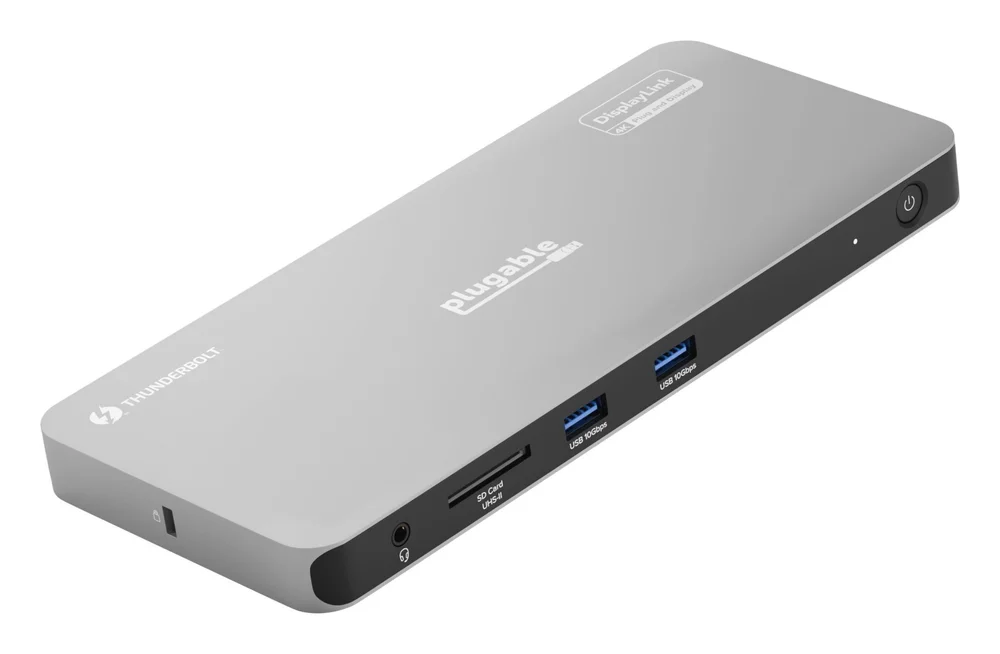 Plugable TBT-6950PD
Has SD card reader, an audio jack (3.5mm), more Thunderbolt ports (3 vs 2).
Compare side by side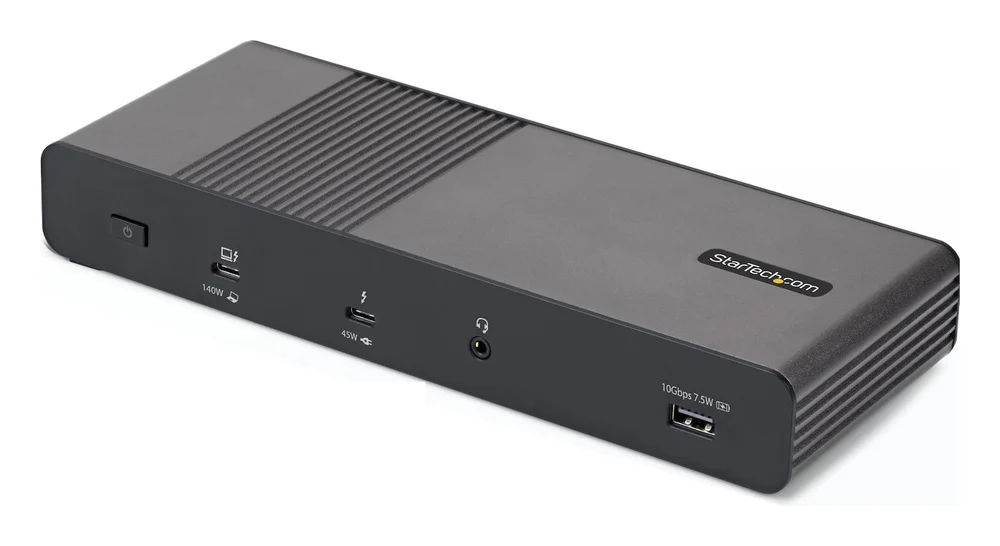 StarTech.com 206N-TB5USB4DOCK
Has a faster Thunderbolt 5 connection to your laptop (80 vs 40Gbps), more charging power (140 vs 90W), an audio jack (3.5mm).
Compare side by side