How fast will a dock charge my MacBook?
Apple states the watts each MacBook needs to charge at full speed. A dock with its own power supply passes on less than the supply's rating, and a hub you plug your own charger into keeps some of the charger for itself. Below that, the Mac still charges, just slower.
Which MacBook do you have?
Not sure? Apple menu → About This Mac shows the model, size and chip.
The MacBook Air 13-inch M4 fast-charges at 70W or more. A dock that gives it 70W charges it at full speed. Apple's specs
Full speed (128)
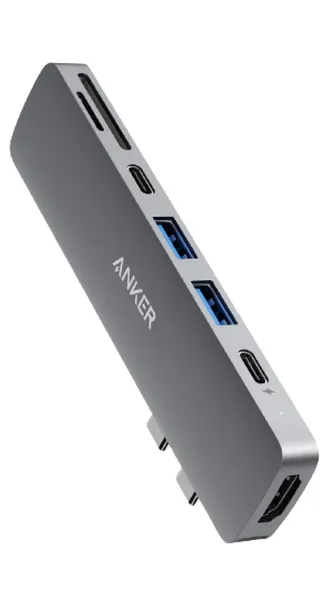 Anker 547 for MacBook
Full speed (dock gives up to 100W) · With your own charger
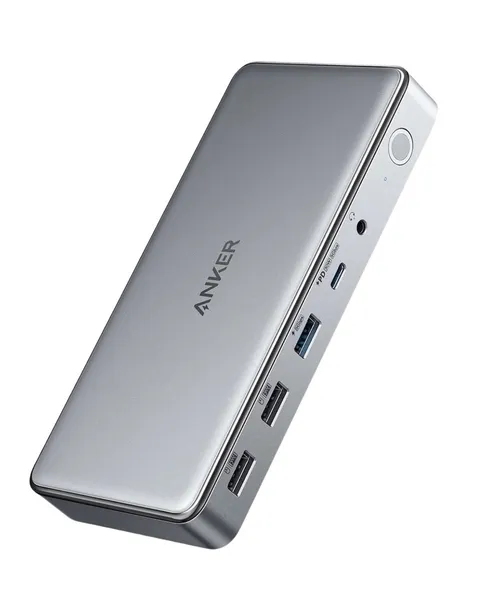 Anker 563
Full speed (dock gives up to 100W) · Own power supply
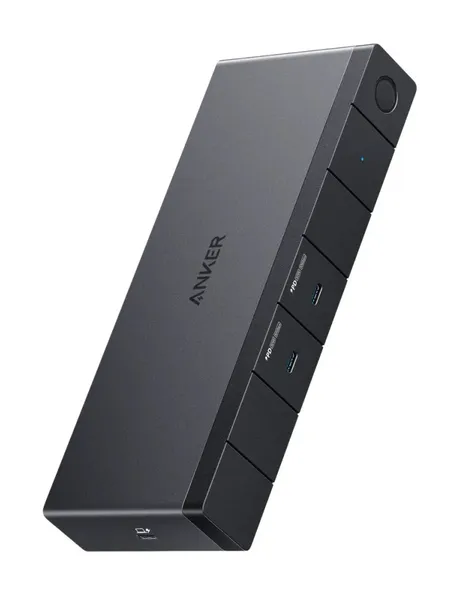 Anker 568
Full speed (dock gives up to 100W) · Own power supply
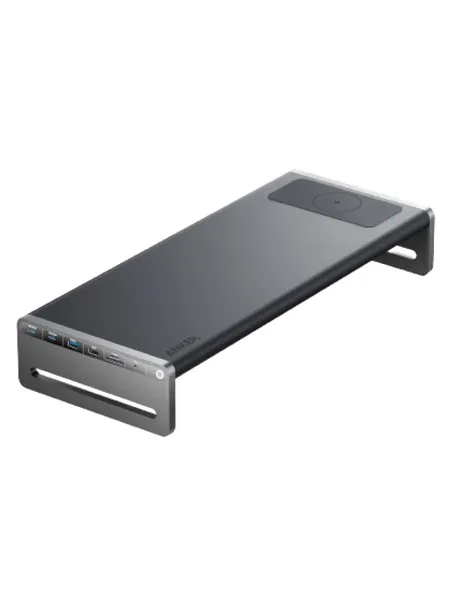 Anker 675 Monitor Stand Dock
Full speed (dock gives up to 100W) · Own power supply
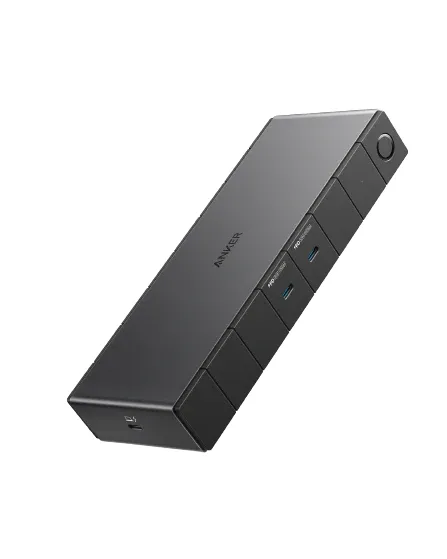 Anker 778 Thunderbolt Dock
Full speed (dock gives up to 100W) · Own power supply
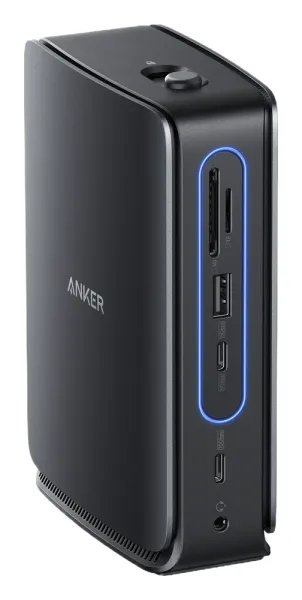 Anker Nano Docking Station A83C3
Full speed (dock gives up to 100W) · Own power supply
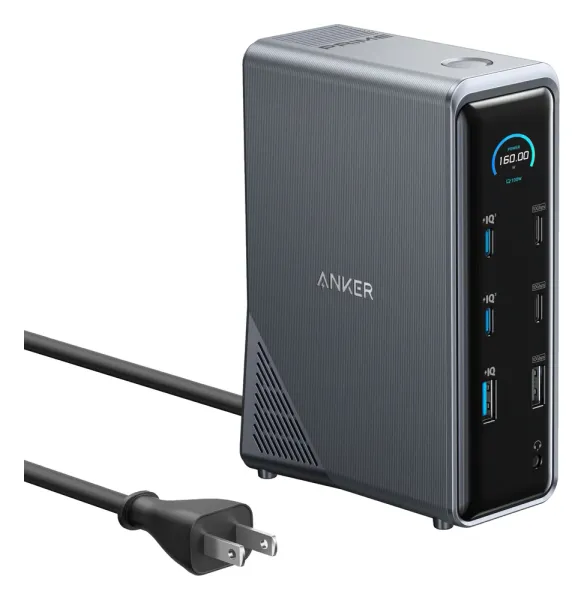 Anker Prime Docking Station A83B6
Full speed (dock gives up to 100W) · Own power supply
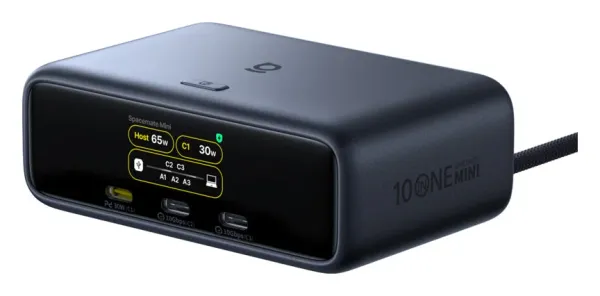 Baseus Spacemate RD1 Mini
Full speed (dock gives up to 100W) · Own power supply
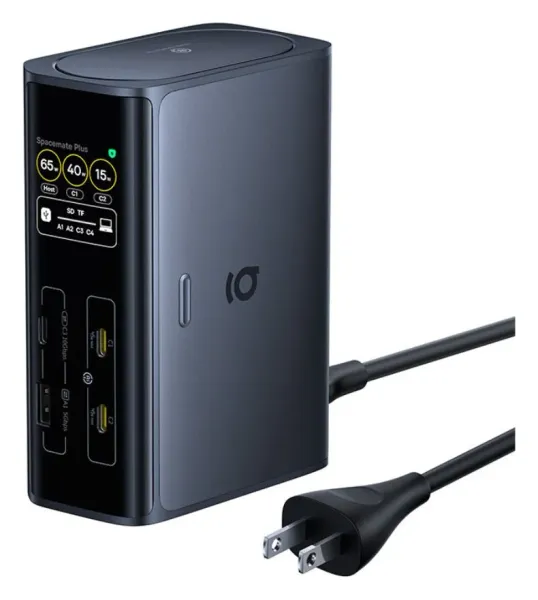 Baseus Spacemate RD1 Plus
Full speed (dock gives up to 100W) · Own power supply
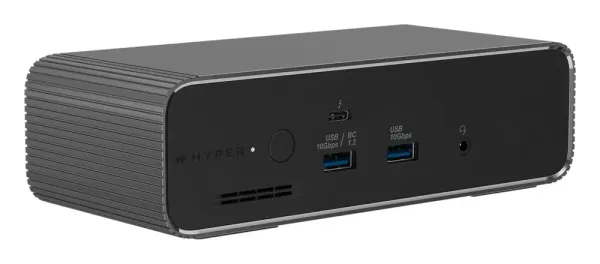 HyperDrive Next Thunderbolt 5 Dock
Full speed (dock gives up to 100W) · Own power supply
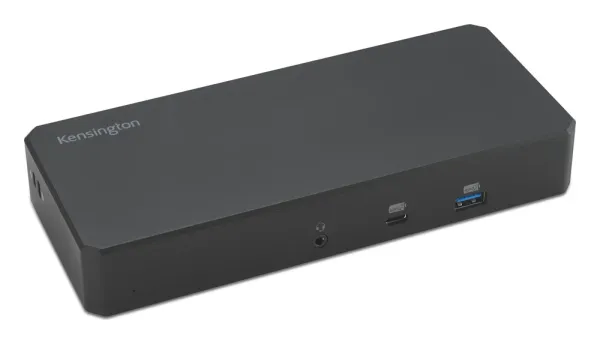 Kensington SD3210U3
Full speed (dock gives up to 100W) · Own power supply
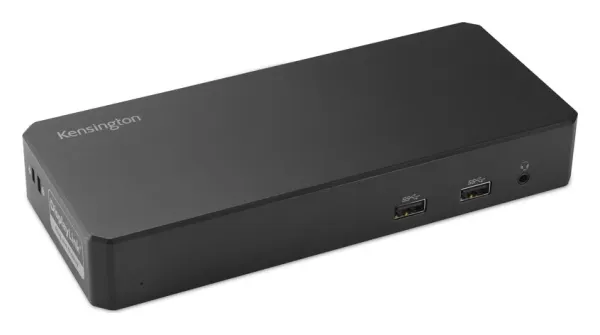 Kensington SD4760P
Full speed (dock gives up to 100W) · Own power supply
Charges slower (16)
Still charges; a full charge takes longer.
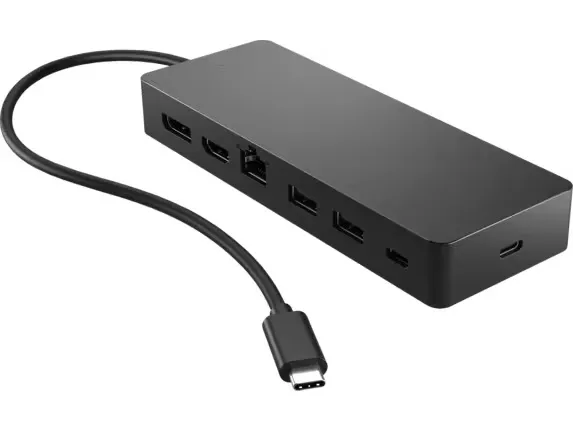 HP Universal USB C Hub
Charges slower (65W of 70W) · With a 90W charger
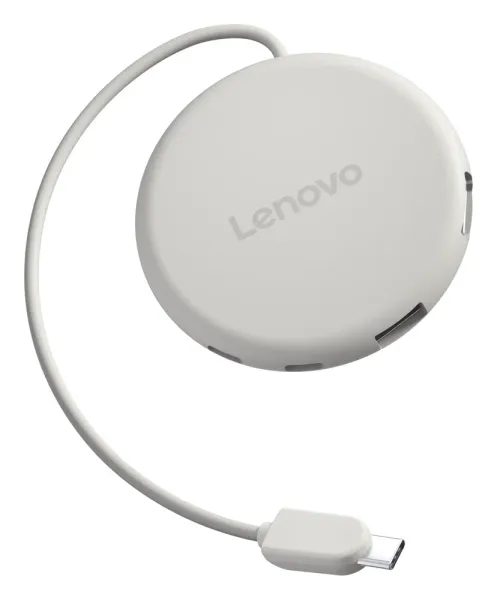 Lenovo Slim USB-C 3.2 Hub
Charges slower (65W of 70W) · With a 100W charger
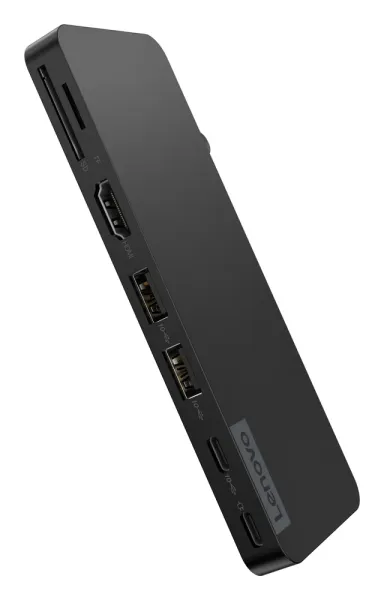 Lenovo USB-C Slim Travel Dock
Charges slower (65W of 70W) · With a 100W charger
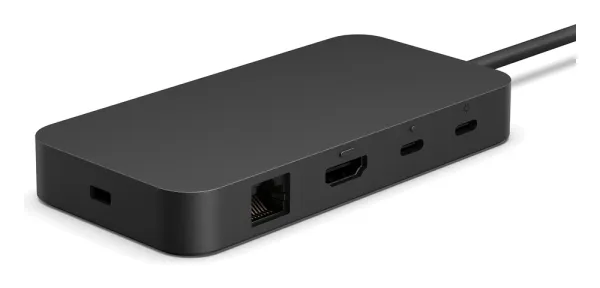 Microsoft Surface USB4 Dock
Charges slower (65W of 70W) · Own power supply
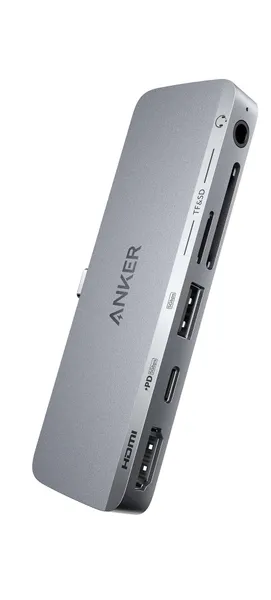 Anker 541 for iPad
Charges slower (60W of 70W) · With your own charger
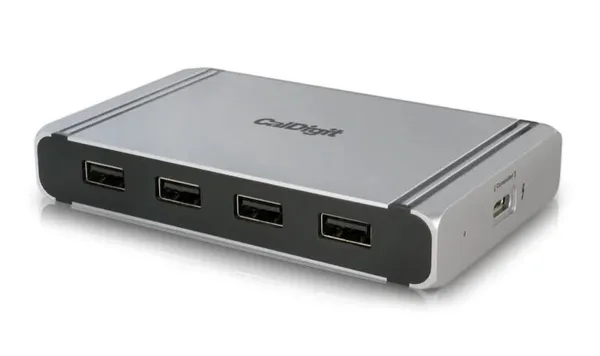 CalDigit Element Hub
Charges slower (60W of 70W) · Own power supply
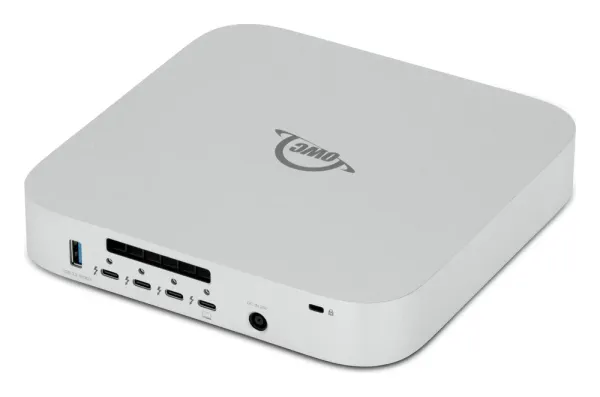 OWC StudioStack
Charges slower (60W of 70W) · Own power supply
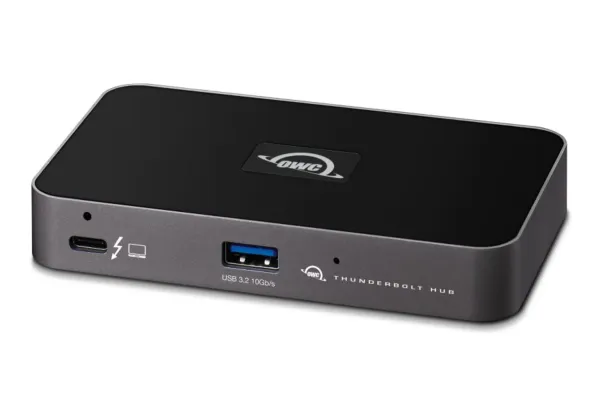 OWC Thunderbolt Hub
Charges slower (60W of 70W) · Own power supply
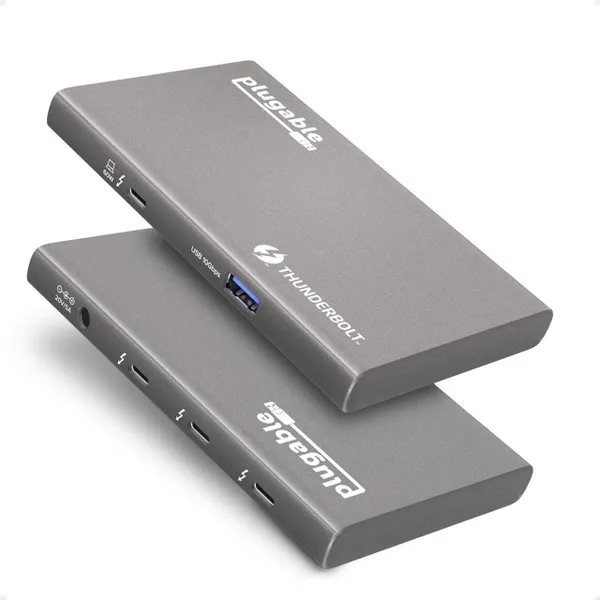 Plugable 5-in-1 Thunderbolt 4 Hub
Charges slower (60W of 70W) · Own power supply
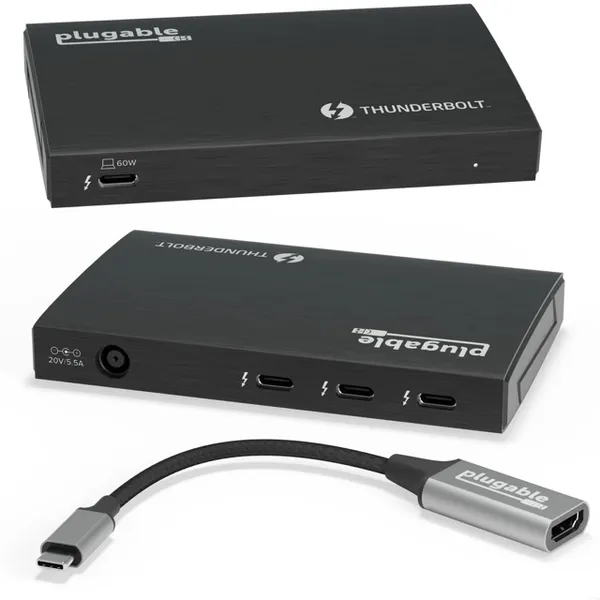 Plugable Thunderbolt 4 Hub
Charges slower (60W of 70W) · Own power supply
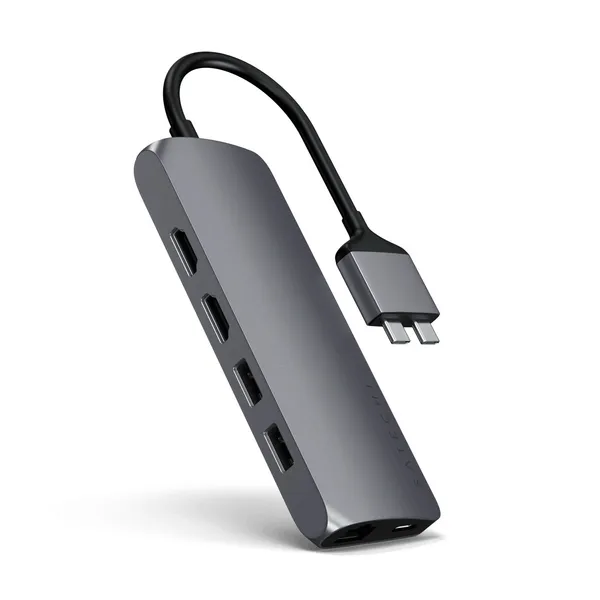 Satechi Dual Multimedia Adapter
Charges slower (60W of 70W) · With your own charger
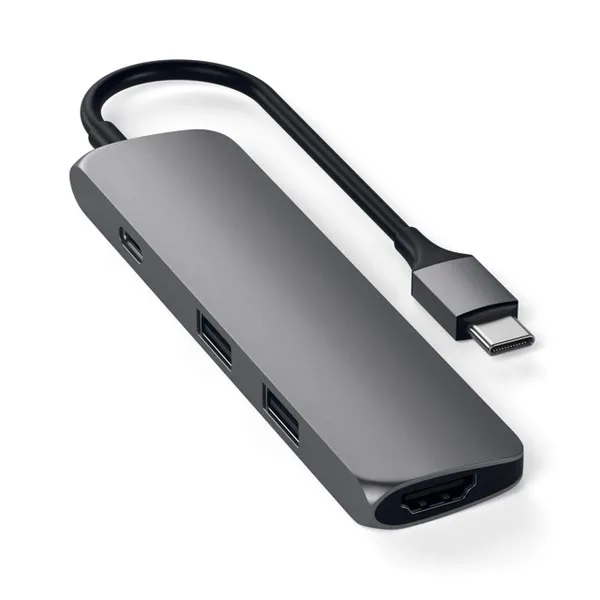 Satechi Slim Multi-Port Adapter
Charges slower (60W of 70W) · With your own charger
Speed not stated (24)
These give more than 100W only to laptops with USB PD 3.1, which Apple names only for the 16-inch MacBook Pro from late 2023 on. Their makers don't say what other laptops get.
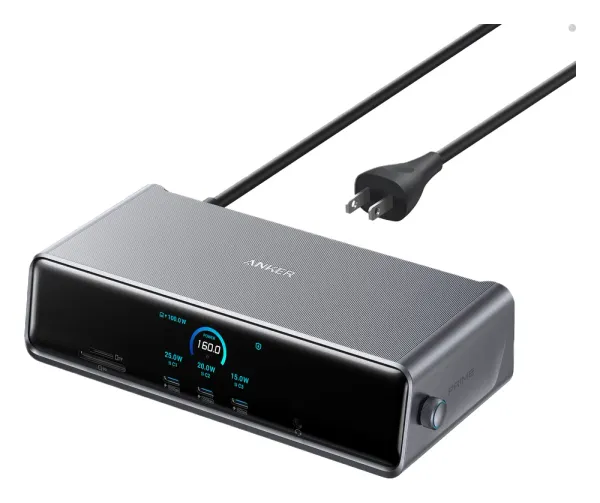 Anker Prime DL7400 Docking Station
140W needs USB PD 3.1; the maker doesn't say what other laptops get · Own power supply
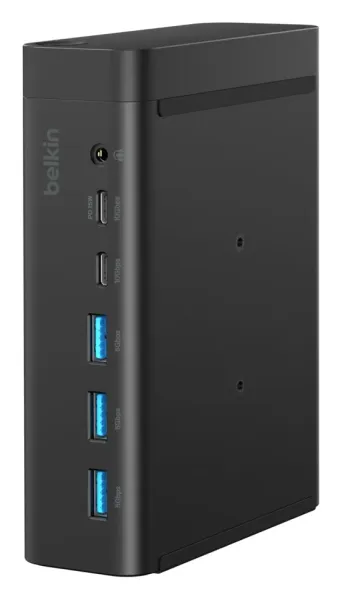 Belkin Connect 12-Port Dual Display Dock
140W needs USB PD 3.1; the maker doesn't say what other laptops get · Own power supply
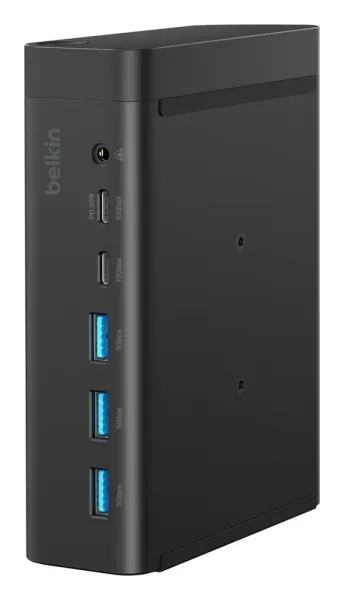 Belkin Connect 15-Port Triple Display Dock
140W needs USB PD 3.1; the maker doesn't say what other laptops get · Own power supply
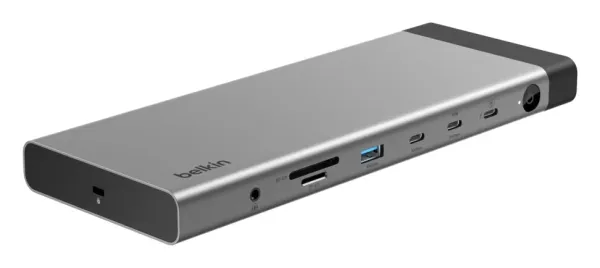 Belkin Connect Thunderbolt 5 Dock
140W needs USB PD 3.1; the maker doesn't say what other laptops get · Own power supply
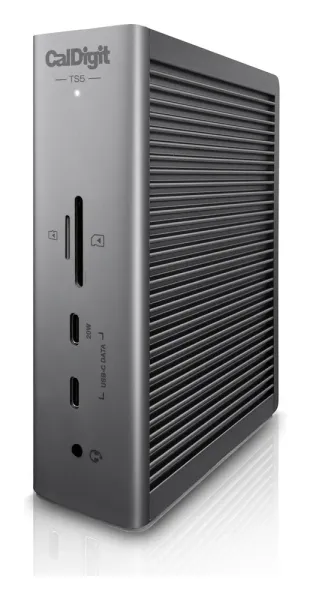 CalDigit TS5
140W needs USB PD 3.1; the maker doesn't say what other laptops get · Own power supply
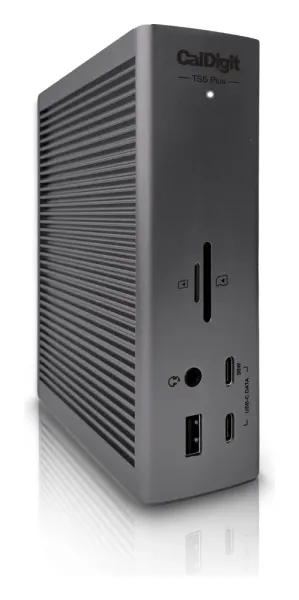 CalDigit TS5 Plus
140W needs USB PD 3.1; the maker doesn't say what other laptops get · Own power supply
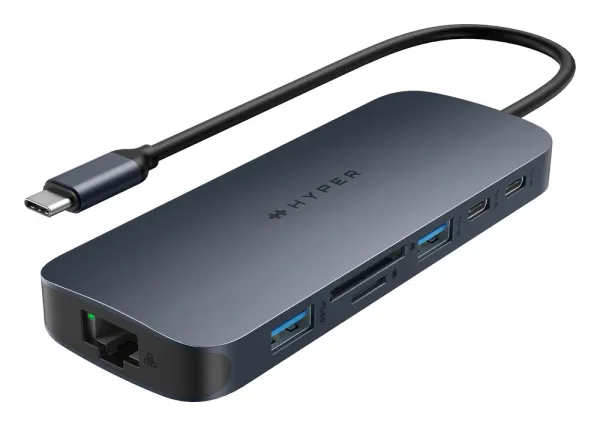 HyperDrive Next 10-Port USB-C Hub
125W needs USB PD 3.1; the maker doesn't say what other laptops get · With your own charger
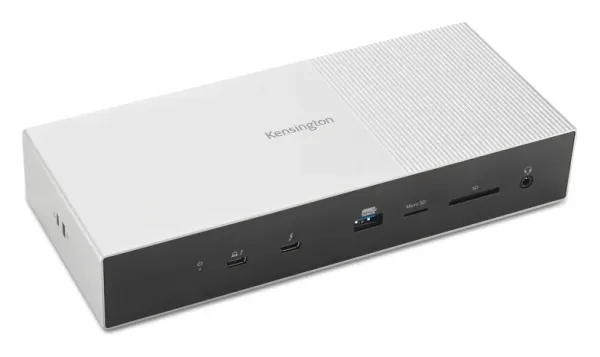 Kensington SD5000T5
140W needs USB PD 3.1; the maker doesn't say what other laptops get · Own power supply
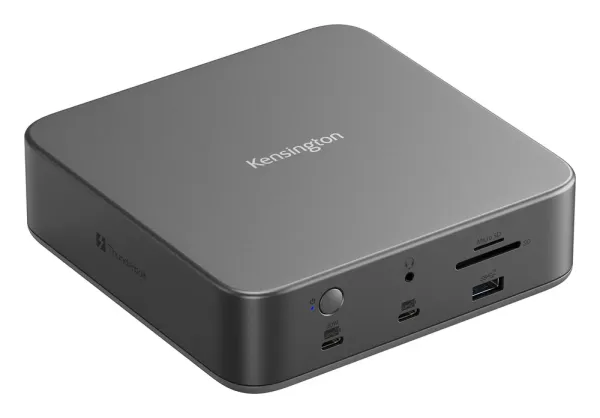 Kensington SD5010T5
140W needs USB PD 3.1; the maker doesn't say what other laptops get · Own power supply
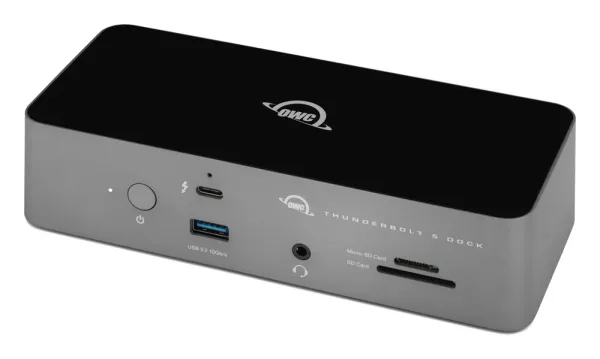 OWC Thunderbolt 5 Dock
140W needs USB PD 3.1; the maker doesn't say what other laptops get · Own power supply
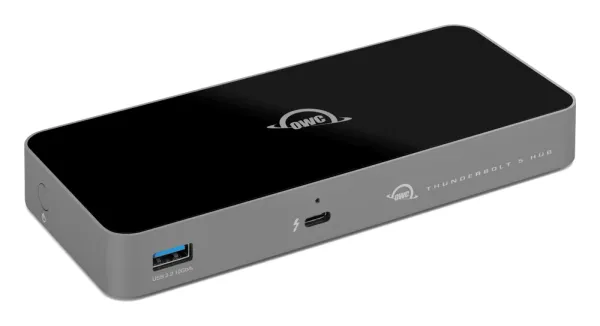 OWC Thunderbolt 5 Hub
140W needs USB PD 3.1; the maker doesn't say what other laptops get · Own power supply
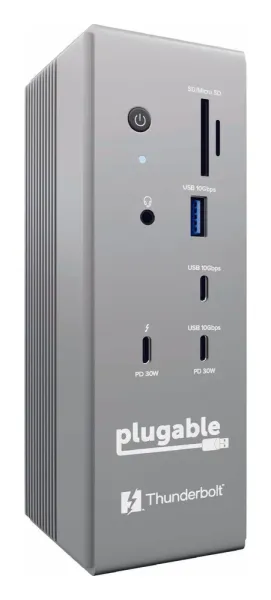 Plugable TBT-UDH2
140W needs USB PD 3.1; the maker doesn't say what other laptops get · Own power supply
Only hubs whose makers state the charging watts are listed. Not using a Mac? Filter all hubs by charging watts.