Hubs Finder

All hubs

Compare hubs

Add a hub
Price —$45.99
Ports88
Connects withUSB C 3.2 Gen 2USB C 3.2 Gen 1
Cable to your device19.1 cmNot stated
Charges your device75W85W
PowerUSB-C charger inputUSB-C charger input
MonitorsUp to 2Up to 2
Fastest port10Gbps5Gbps
SSD slotM.2 NVMe or SATA—
SD card speed—UHS-I
SizeNot stated13.5 × 4.9 × 1.6 cm
Weight425 g113 g
Ports
USB C 3.2 Gen 1×1—
USB C 3.2 Gen 2×1—
USB A 2.0—×1
USB A 3.2 Gen 1×1×2
USB A 3.2 Gen 2×1—
HDMI 1.4—×1
HDMI 2.0×2—
HDMI 2.1—×1
DisplayPort 1.4×1—
Ethernet 1Gbps×1×1
SD—×1
microSD—×1
Good to know
Notes
  • Mac: 1 display on base M1/M2, 2 on base M3 only with the lid closed, 2 on other Macs
  • Windows: 2 displays up to 4K 60Hz
  • Two displays use both HDMI ports, or DisplayPort plus the HDMI port farthest from it; DisplayPort and the adjacent HDMI port don't work together
  • Both USB-C plugs must be connected; other laptops need 2 USB-C ports on the left side
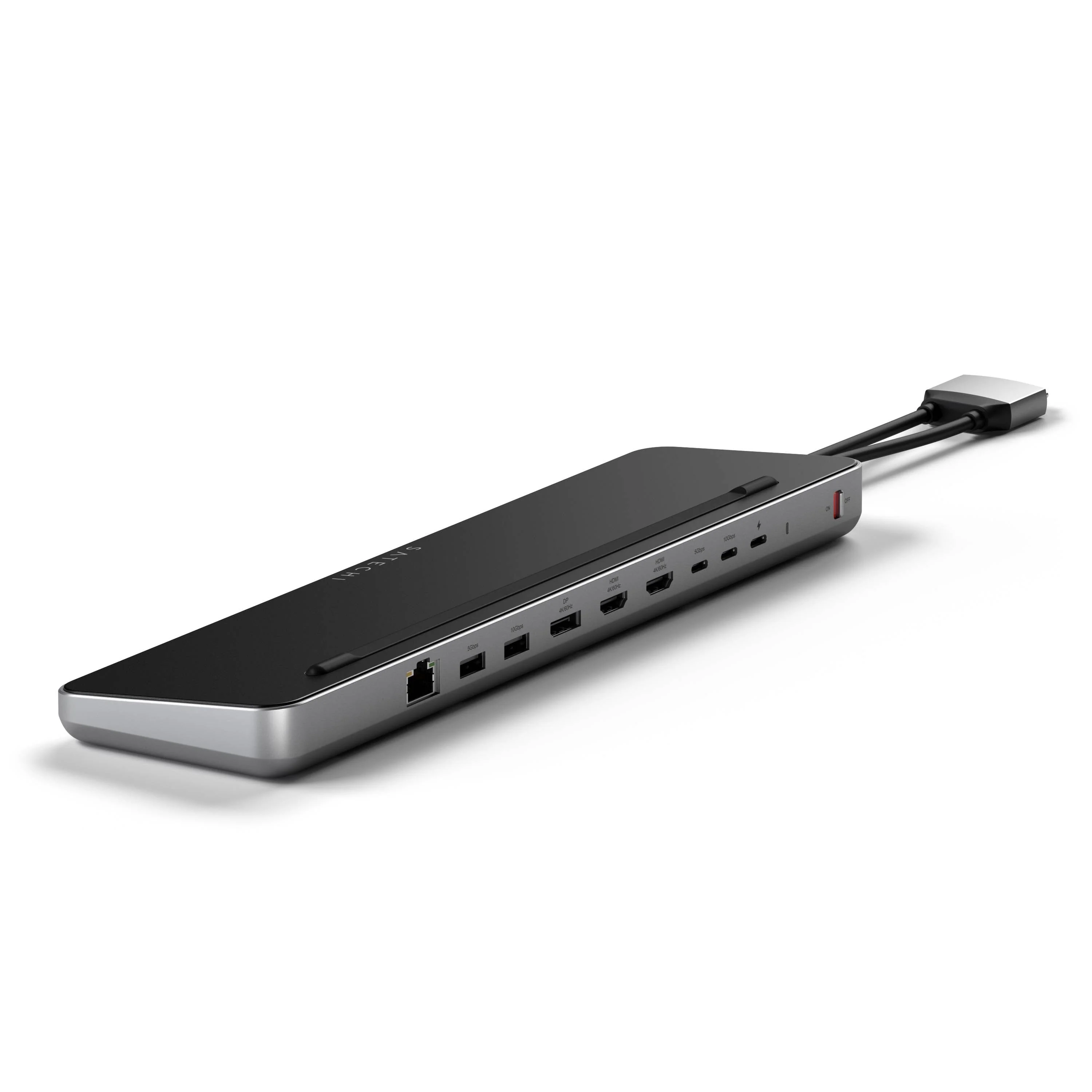
  • Laptop stand that sits under a MacBook; the two plugs separate for other laptops
  • Single-sided M.2 SSDs only, no SSDs with heat sinks; NVMe up to 10Gbps, SATA up to 6Gbps
  • Up to 75W to the laptop from a 100W USB-C charger; about 15W runs the dock
  • Power switch must be on
  • Mac: 1 extended display; a second monitor only mirrors it
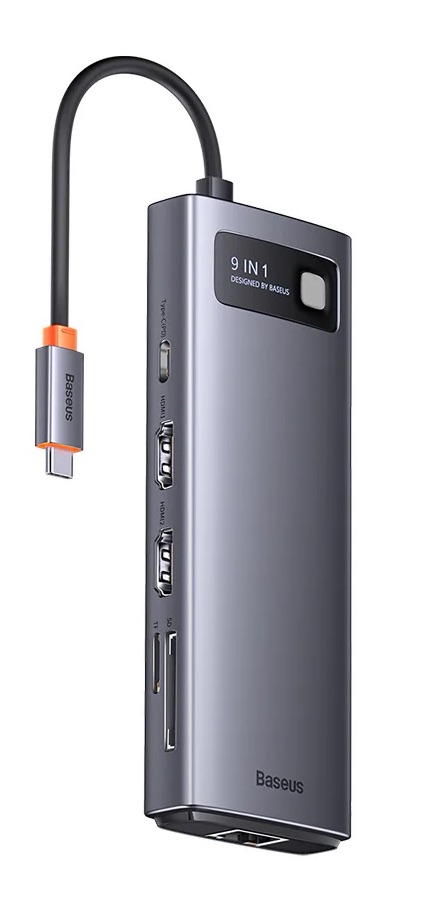
  • Windows: 2 extended displays; HDMI 2 up to 4K 30Hz
  • 4K 120Hz only on HDMI 1 with a single display and a DP 1.4 laptop port
  • PD port passes 85W to the laptop from a 100W charger
  • Must plug straight into the laptop, not through an adapter
Pick it if you want
  • a faster connection to your laptop (10 vs 5Gbps)
  • 2 USB-C ports (3.2 Gen 2)
  • a DisplayPort output (1.4)
  • SD and microSD card readers
  • HDMI 2.1 (vs 2.0)
  • more USB-A ports (3 vs 2)
Manufacturer pageSatechiBaseus
© Hubs Finder 2026Privacy PolicyAffiliate Disclosure
Contact Us

Allow cookies?

We use cookies to optimize the site experience.