Hubs Finder

All hubs

Compare hubs

Add a hub
Price $379.99$212.49
Ports68
Connects withThunderbolt 5Thunderbolt 5
Cable to your device30 cm, detachable80 cm, detachable
Charges your device60W90W
PowerOwn power adapterOwn power adapter
Power supply180W180W
MonitorsUp to 3Up to 3
Fastest port80Gbps80Gbps
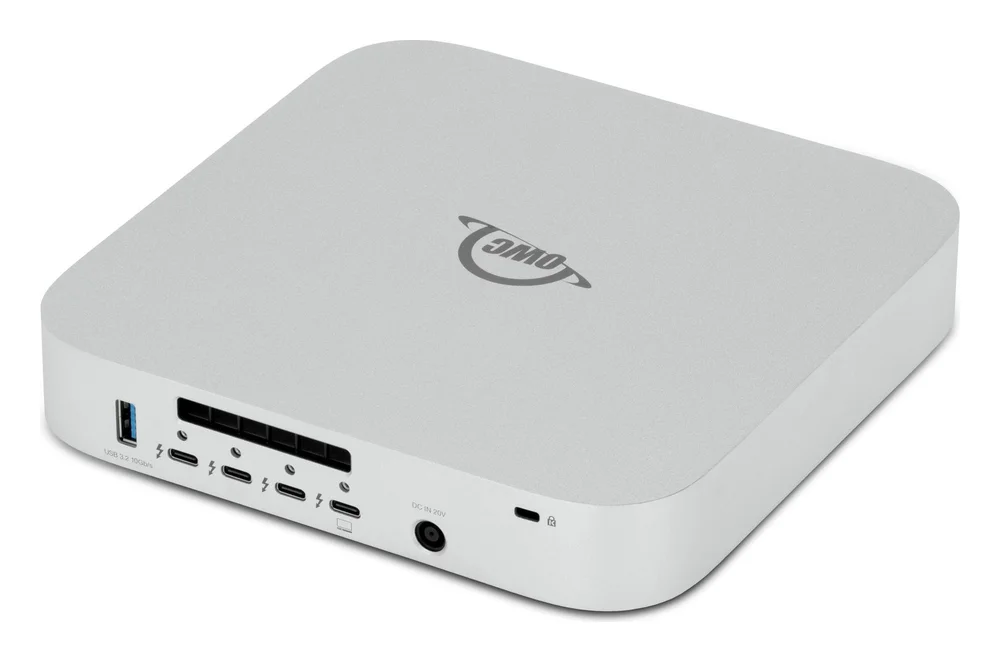
SSD slotM.2 NVMe (2280)—
SD card speed——
Size19.7 × 19.7 × 3.7 cm11.4 × 7 × 2.5 cm
Weight800 g200 g
Security slotKensington standard slotNot stated
Ports
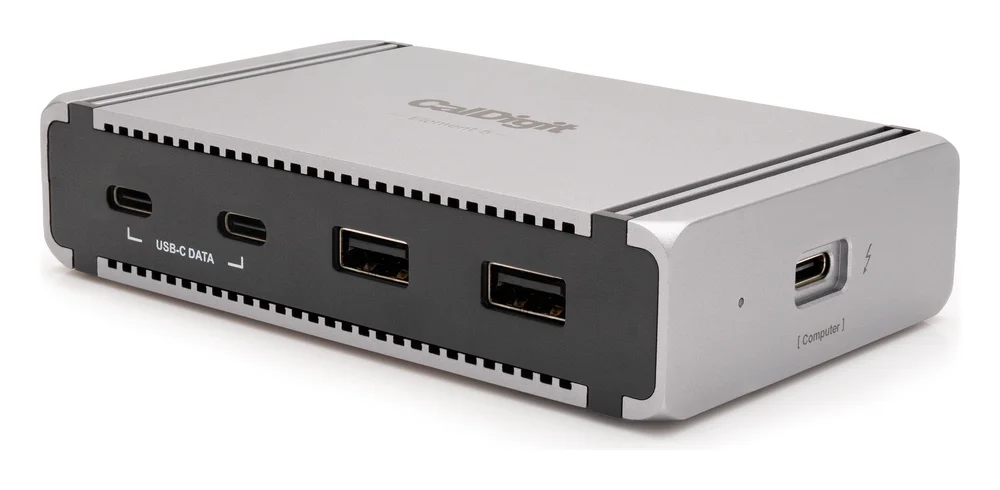
Thunderbolt 5×3×3
USB C 3.2 Gen 2—×2
USB A 3.2 Gen 2×3×3
Good to know
Notes
  • Monitors connect via Thunderbolt 5
  • Mac: 1 display on M1 MacBook Air/Pro and Mac mini, M2 MacBook Air/Pro, M1/M3 iMac and 2-port M4 iMac, 2 on other Apple silicon Macs (base M3 MacBooks with lid closed)
  • Windows: 3 displays up to 4K@144Hz, or 2 at 8K@120Hz
  • Enclosure only, no drives included; versions with SSD and/or HDD sold under other listings
  • Second bay for one 3.5-inch or 2.5-inch SATA HDD/SSD, connected over USB
  • NVMe SSDs with a heatsink don't fit; WD SN5xx SSDs not compatible
  • Stacks under or on a Mac Studio or Mac mini (19.7 × 19.7 × 3.7 cm)
  • 2 USB-A ports on the side, 1 on the back
  • Not for Thunderbolt 3 PCs
  • Monitors connect via Thunderbolt 5
  • Mac: 1 display on base M1–M3, 2 on base M4/M5/M6 and M1–M4 Pro/Max/Ultra, 3 on M5 Pro, 4 on M5 Max (fourth must be a daisy-chained Thunderbolt monitor)
  • Windows: 3 displays on Thunderbolt 5, 2 on Thunderbolt 4
  • Not for Thunderbolt 3 Windows PCs
Pick it if you want
  • an M.2 NVMe SSD slot (2280)
  • more monitors on a Mac (4 vs 2)
  • more charging power (90 vs 60W)
  • more USB-C ports incl. Thunderbolt (5 vs 3)
Manufacturer pageOWCCalDigit
What's inside
Thunderbolt controllerIntel JHL9480Not known
USB hubParade Technologies FL5801Genesys Logic GL3590Not known
Found byStated by OWC ↗—
© Hubs Finder 2026Privacy PolicyAffiliate Disclosure
Contact Us

Allow cookies?

We use cookies to optimize the site experience.