Hubs Finder

All hubs

Compare hubs

Add a hub
Price —$29.99
Ports77
Connects withThunderbolt 4Thunderbolt 3
Cable to your device80 cm, detachableNone, plugs straight in
Charges your device60W100W
PowerOwn power adapterUSB-C charger input
Power supply150W—
MonitorsUp to 2Up to 2
Fastest port40Gbps40Gbps
SSD slot——
SD card speed—UHS-I
Size11.4 × 7 × 1.8 cm12.5 × 3.6 × 1 cm
Weight180 g55 g
Ports
Thunderbolt 3—×1
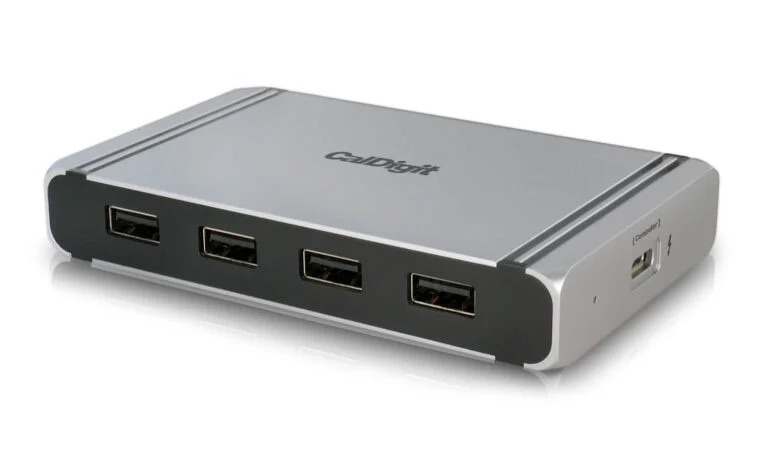
Thunderbolt 4×3—
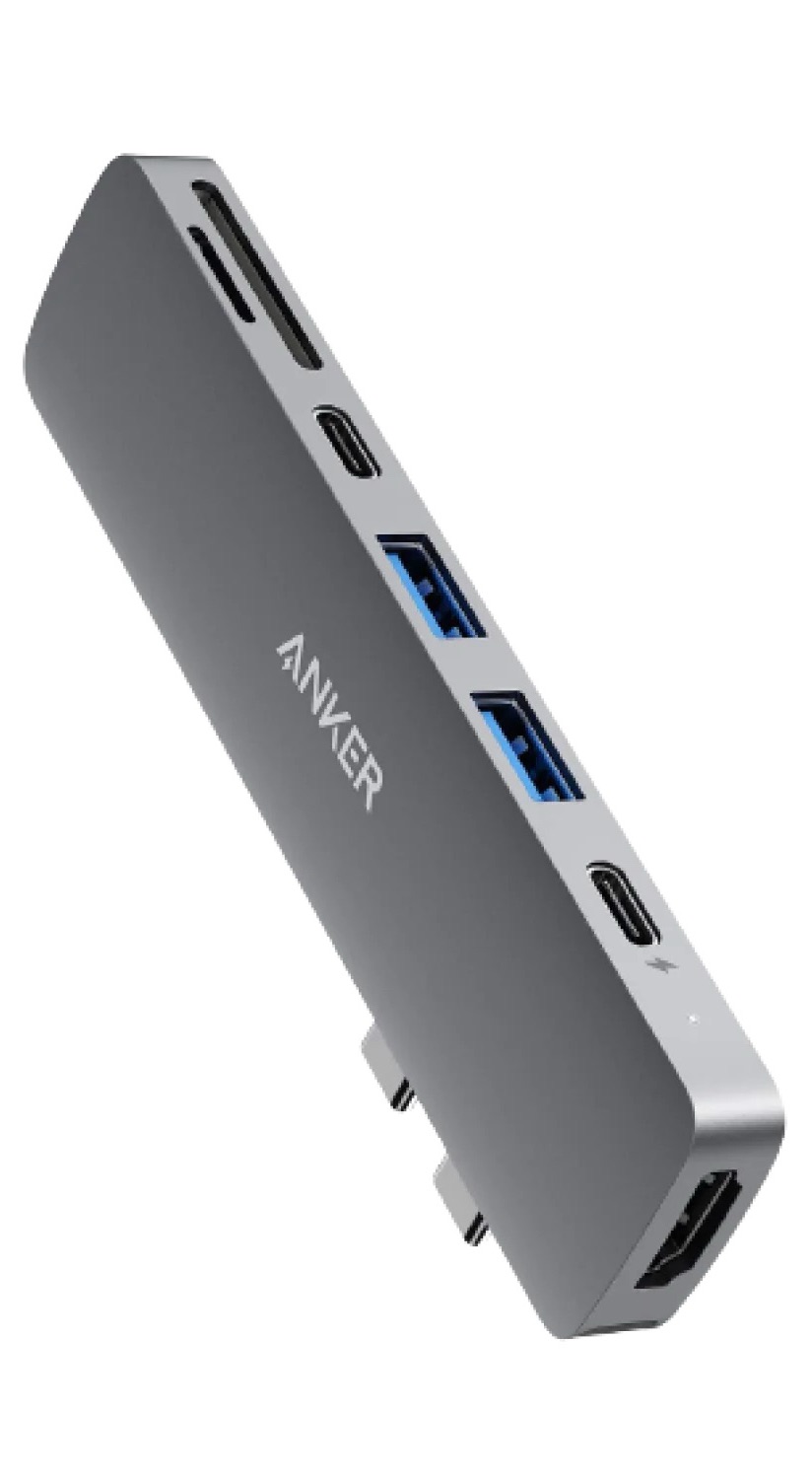
USB C 3.2 Gen 1—×1
USB A 3.2 Gen 1—×2
USB A 3.2 Gen 2×4—
HDMI 2.0—×1
SD—×1
microSD—×1
Good to know
Notes
  • Monitors connect via the Thunderbolt ports; HDMI or DisplayPort needs a USB-C adapter
  • Mac: 1 display on base M1/M2, 2 on base M4, M1–M4 Pro/Max and M1/M2 Ultra; base M3 not listed
  • Windows: 1 display up to 8K or 2 up to 4K 60Hz on Thunderbolt 4
  • 8K 60Hz needs DP 1.4, HBR3 and DSC 1.2 on host, GPU and monitor
  • USB-C to HDMI adapters limited to 4K 60Hz on Macs
  • Thunderbolt devices and monitors on its ports need a Thunderbolt or USB4 computer
  • Mac: 1 display on base M1–M3, 2 on M1–M3 Pro/Max and M4/M4 Pro/Max
  • Windows: not supported; MacBook only
  • Up to 5K 60Hz on the multi-function USB-C port plus 4K 60Hz on HDMI
  • Plugs into two adjacent USB-C ports on MacBook Air/Pro; won't fit with a case
  • Multi-function USB-C port does video or laptop charging, not both at once
  • USB-C data port carries no video or charging
  • Requires macOS 12 or later
Pick it if you want
  • more USB-A ports (4 vs 2)
  • more Thunderbolt ports (3 vs 1)
  • more USB-C ports incl. Thunderbolt (3 vs 2)
  • more charging power (100 vs 60W)
  • SD and microSD card readers
  • an HDMI port (2.0)
Manufacturer pageCalDigitAnker
© Hubs Finder 2026Privacy PolicyAffiliate Disclosure
Contact Us

Allow cookies?

We use cookies to optimize the site experience.