All hubs
Compare hubs
| Price | $151.99 | $74.99 |
|---|---|---|
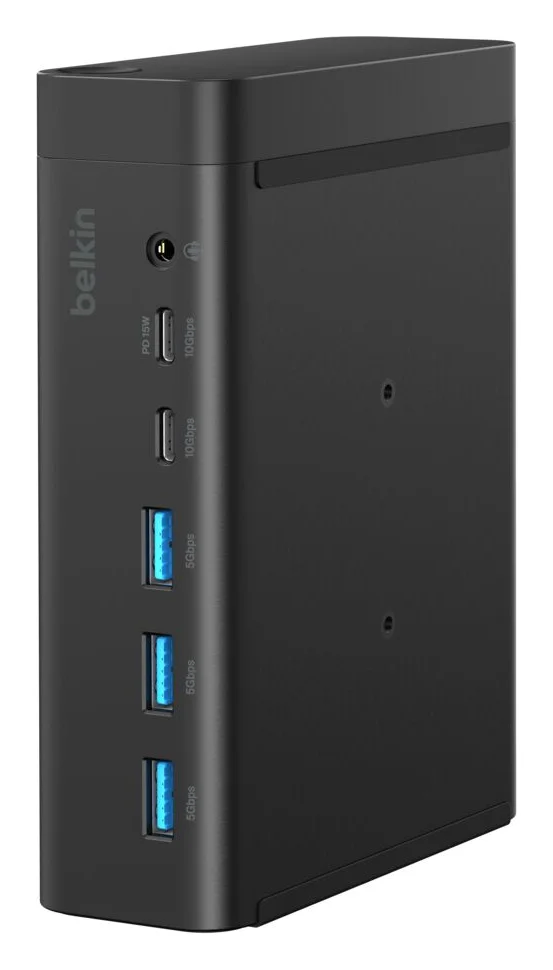
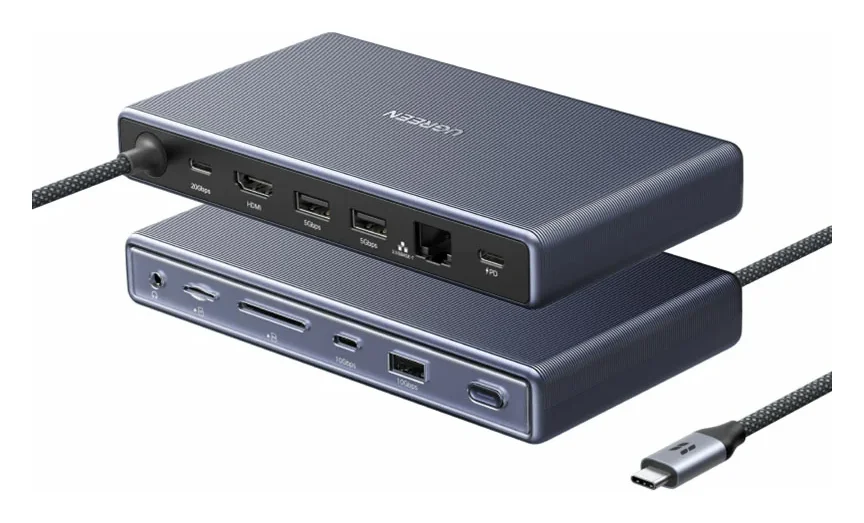
| Ports | 11 | 10 |
| Connects with | USB C 3.2 Gen 2 | USB C 4.0 |
| Cable to your device | 1 m, detachable | 80 cm |
| Charges your device | 140W | 115W |
| Power | Own power adapter | USB-C charger input |
| Power supply | 180W | — |
| Monitors | Up to 2 | Up to 2 |
| Fastest port | 10Gbps | 40Gbps |
| SSD slot | — | — |
| SD card speed | — | UHS-I |
| Size | 14.1 × 10.5 × 4 cm | Not stated |
| Weight | 504 g | Not stated |
| Security slot | Kensington lock slot | Not stated |
| Ethernet | Wake-on-LAN, MAC address pass-through | Not stated |
| Ports | ||
| USB C 3.2 Gen 2 | ×2 | ×1 |
| USB C 4.0 | — | ×1 |
| USB A 3.2 Gen 1 | ×4 | ×2 |
| USB A 3.2 Gen 2 | — | ×1 |
| HDMI 2.0 | ×2 | — |
| HDMI 2.1 | — | ×1 |
| DisplayPort 1.2 | ×1 | — |
| Ethernet 2.5Gbps | ×1 | ×1 |
| SD | — | ×1 |
| microSD | — | ×1 |
| Audio Jack (3.5mm) | ×1 | ×1 |
| Good to know | ||
| Notes |
|
|
| Pick it if you want |
|
|
| Manufacturer page | Belkin | Ugreen |