Hubs Finder

All hubs

Compare hubs

Add a hub
Price $99.99$89.99
Ports1212
Connects withUSB C 3.2 Gen 2USB C 3.2 Gen 2
Cable to your device1 m, detachable1 m, detachable
Charges your device100W100W
PowerOwn power adapterOwn power adapter
Power supply140W140W
MonitorsUp to 3Up to 3
Fastest port10Gbps10Gbps
SSD slot——
SD card speedUHS-I—
Size14 × 9.5 × 4 cmNot stated
Weight408 gNot stated
Ports
USB C 3.2 Gen 1×1—
USB C 3.2 Gen 2×1×2
USB A 2.0×2—
USB A 3.2 Gen 1×1×2
USB A 3.2 Gen 2—×1
HDMI 2.0×2×1
DisplayPort 1.4×1×2
Ethernet 1Gbps×1×1
SD×1×1
microSD×1×1
Audio Jack (3.5mm)×1×1
Good to know
Notes
  • Mac: all external displays mirror the same image, no extended mode
  • Windows: 3 extended displays at 1080p@60Hz, 2 at 1440p@60Hz, 1 at 4K@60Hz on DP 1.4 laptops; dual 4K@60Hz needs DSC on laptop and monitors
  • DP 1.2 laptops: 4K@30Hz single, 1080p@60Hz dual, 1600x900@60Hz triple
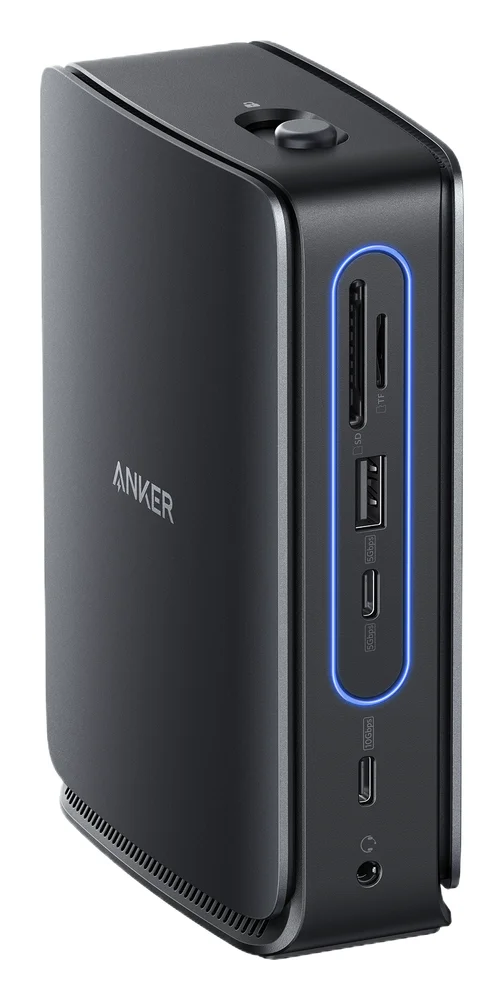
  • Front SD, microSD, USB-A and 5Gbps USB-C sit on a detachable 6-in-1 travel hub; the dock keeps working without it
  • Detached hub adds its own HDMI (4K, 1 display) and a 100W USB-C power input with 85W pass-through, both unusable while docked
  • USB-C and USB-A ports have no video and don't charge devices
  • All ports work only while a laptop is connected
  • Not compatible with Linux
  • Monitors connect via 2 DisplayPort and HDMI; USB-C and USB-A data ports carry no video
  • Mac: all external monitors mirror the same image; no extended multi-monitor desktop
  • Windows: 3 displays (two at 4K@60Hz, one at 4K@30Hz), 2 at 4K@60Hz; 8K@30Hz or 4K@120Hz on one DisplayPort alone with DP 1.4 DSC
  • 100W host charging is shared with the 27W charging-only USB-C PD output
  • Laptop USB-C port needs DisplayPort Alt Mode and Power Delivery
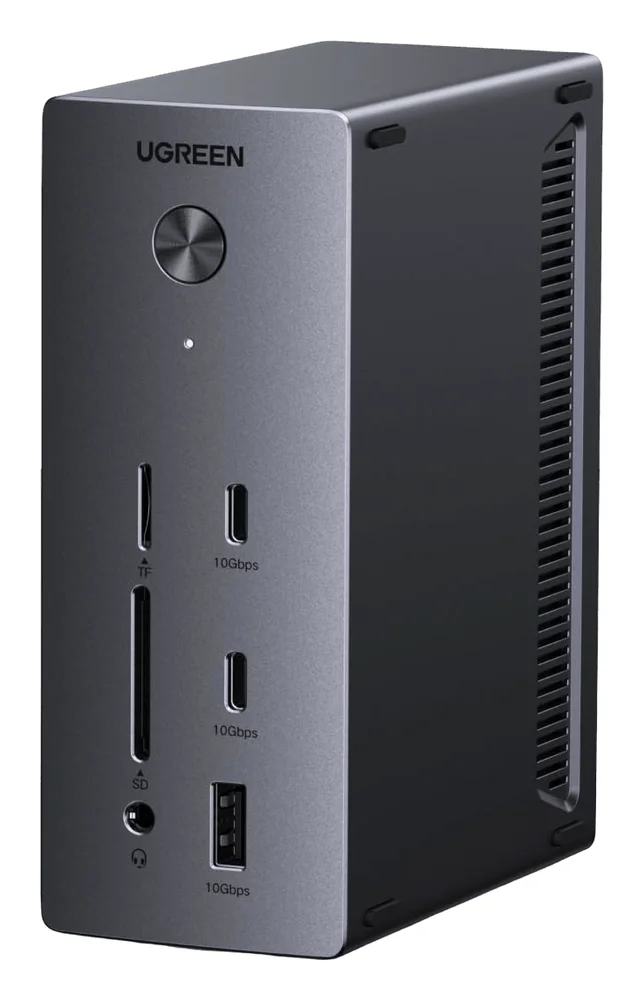
  • Upright tower; can also lie flat
Pick it if you want
  • more HDMI ports (2 vs 1)
  • more DisplayPort outputs (2 vs 1)
Manufacturer pageAnkerUgreen
© Hubs Finder 2026Privacy PolicyAffiliate Disclosure
Contact Us

Allow cookies?

We use cookies to optimize the site experience.